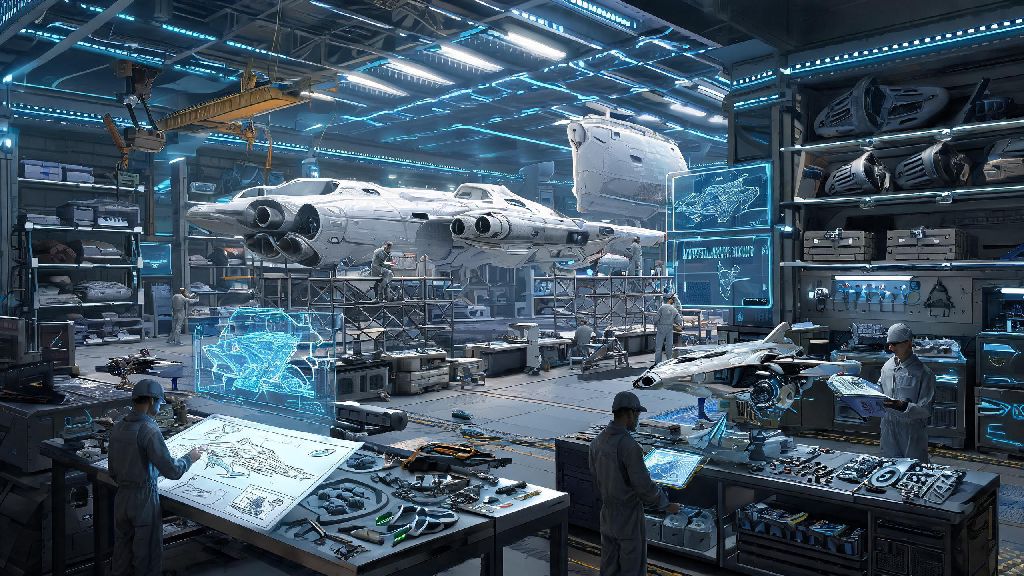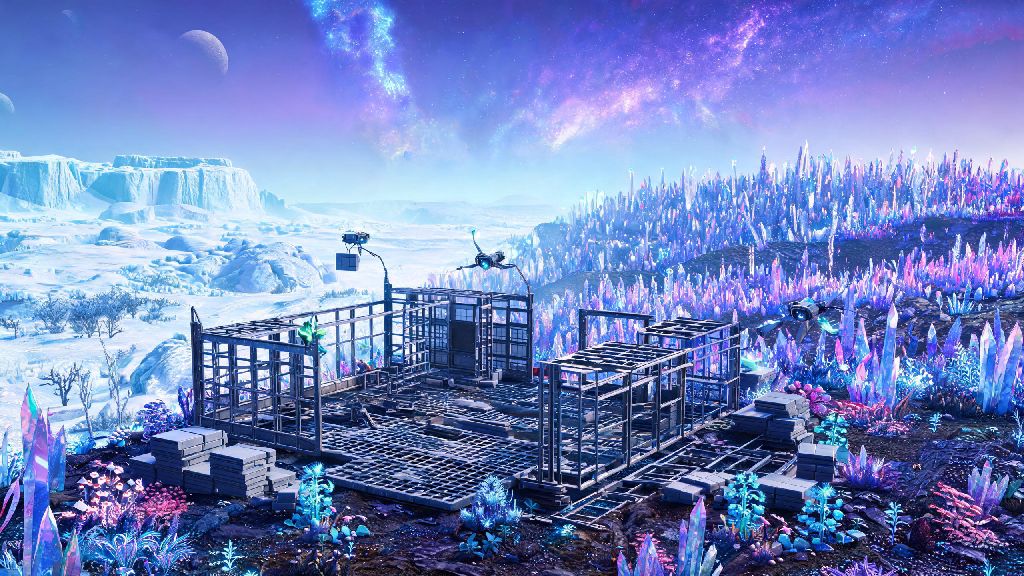
There’s no feeling quite like landing on an uncharted alien planet, looking out at bioluminescent forests or crystal deserts, and deciding you want to put down roots. If you’re wondering how to build No Man’s Sky bases that work for your playstyle, you’re in the right place. I’ve spent over 300 hours tinkering with base builds across every type of biome, from frozen wastelands to lava-covered dead worlds, and I’ve picked up plenty of hacks and mistakes to avoid along the way. This guide will walk you through everything you need to get started, no fancy mods or endgame unlocks required to make something you’ll be proud of.
How to Build No Man's Sky Bases: Core Pre-Build Prep
Before you drop a single wall or floor tile, you need to tick a few key boxes to avoid headaches later. First, you’ll need to unlock the base computer blueprint, which you’ll get automatically early in the main Awakenings questline. You only need 30 chromatic metal to craft it, so keep a stack handy as you explore.
Next, pick your location carefully. You don’t want to build your first base in a storm-prone biome unless you love constantly refilling your hazard protection every time you step outside. I recommend starting out in a lush, temperate planet with mild weather and low sentinel activity, so you can focus on building instead of fighting for survival.
There are a few other non-negotiables to check for before you place your base computer:
Once you place your base computer and claim the area, you’ll unlock 300u of build radius around the computer to work with. You can extend this later by placing additional base computers at the edge of your current radius, but for most new players, 300u is more than enough space for a first base.
Pick a Build Layout That Fits Your Playstyle
There’s no “right” way to lay out your base, but it helps to plan around what you actually use the game for most. If you’re focused on resource farming, you’ll want a compact, organized layout with dedicated areas for refineries, storage containers, and harvestable plant farms. If you’re building for fun and want something that looks cool, you can experiment with floating bases, underwater habitats, or even builds that wrap around natural rock formations or waterfalls.
I always recommend splitting your base into clear zones to keep things organized. The first zone should be your entry and utility area, right near where you land your ship. This is where you should put your storage containers, refineries, and teleport module so you don’t have to walk across the entire base to drop off resources after a long exploration run. The second zone can be your living or display area, where you can put decorative items, terminals for hiring NPCs, and any collectibles you’ve found on your travels. If you plan on playing with friends, add a third zone with extra landing pads and shared storage so your visitors don’t have to wander through your personal space to access what they need.
You don’t have to stick to pre-made prefab parts either. The game’s custom build menu lets you mix and match prefab rooms with custom walls, floors, and roofs to make something totally unique. I’ve seen players build everything from tiny one-room cabins to massive multi-level castles floating high above the planet surface, so don’t be afraid to get creative.
Pro Tips to Make Your Build Look Polished
One of the biggest mistakes new builders make is ignoring snap points and ending up with gaps between walls or crooked floors that don’t line up. If you’re struggling to get parts to snap correctly, try toggling the free build camera to first person mode, which makes it much easier to line up small details. You can also hold the build snap toggle button to temporarily turn off snapping entirely for more precise placement for decorative items.
An easy trick to make your base feel more lived in is to add small decorative touches that match the biome you’re building in. If you’re on a frozen planet, add ice crystal decorations and warm lighting fixtures. If you’re on a tropical planet, add potted alien plants and open-air walkways that let you look out at the scenery. You can unlock most decorative blueprints by completing missions from the construction research terminal at the space anomaly, so make sure to stop by there regularly to pick up new parts.
If you want to add functional features like hydroponic farms or power generators, don’t forget to run wiring between your power sources and your devices. You don’t need a ton of power for a small base, a few solar panels and a battery will be enough to keep all your lights and terminals running even at night. For larger bases, you can add biofuel generators or even electromagnetic generators if you find a hotspot on your planet.
One little-known tip: you can change the color of almost every build part, so don’t feel like you have to stick to the default gray metal. I like to pick a color palette that fits your planet, like soft blues and greens for lush worlds, or warm oranges and reds for arid desert worlds. It makes a huge difference in how professional your finished build looks.
Fix Common Build Issues Fast
Even experienced builders run into issues from time to time, and most of them are easy to fix if you know what to look for. The most common issue new builders face is running out of build limit, which happens when you’ve placed too many parts in your base radius. If this happens, you can delete unnecessary decorative parts, or move some of your functional parts like refineries to a separate outpost base nearby so you free up space for more builds.
Another common issue is parts clipping through each other, or parts that disappear when you walk away from the base. That usually happens when you have parts placed outside of your base computer’s radius. To fix this, just place a small base computer extension near the parts that are disappearing, and they’ll load normally from then on.
If you’re playing in multiplayer and your friends can’t see parts of your base, make sure you’ve adjusted your base permission settings to allow visitors to view and build if you want them to be able to contribute. You can adjust these settings right from your base computer menu, so you don’t have to worry about random people coming in and destroying your work if you don’t want them to.
One last trick: if you decide you don’t like your build anymore, you don’t have to delete every part one by one. You can delete the entire base from the base computer menu, and you’ll get 100% of your building materials back, no loss at all. That means you can experiment as much as you want without worrying about wasting resources.
At the end of the day, the best part of building in No Man's Sky is that there are no rules. You can build a tiny hidden cabin in the middle of a forest, or a massive space station floating above a gas giant, whatever makes you happy. Now that you know how to build No Man's Sky bases that work for you, you can spend less time troubleshooting and more time creating something that feels like your own little corner of the galaxy. Don’t be afraid to mess up, experiment, and show off your builds to the community once you’re done. You never know what cool ideas you’ll pick up from other players too.