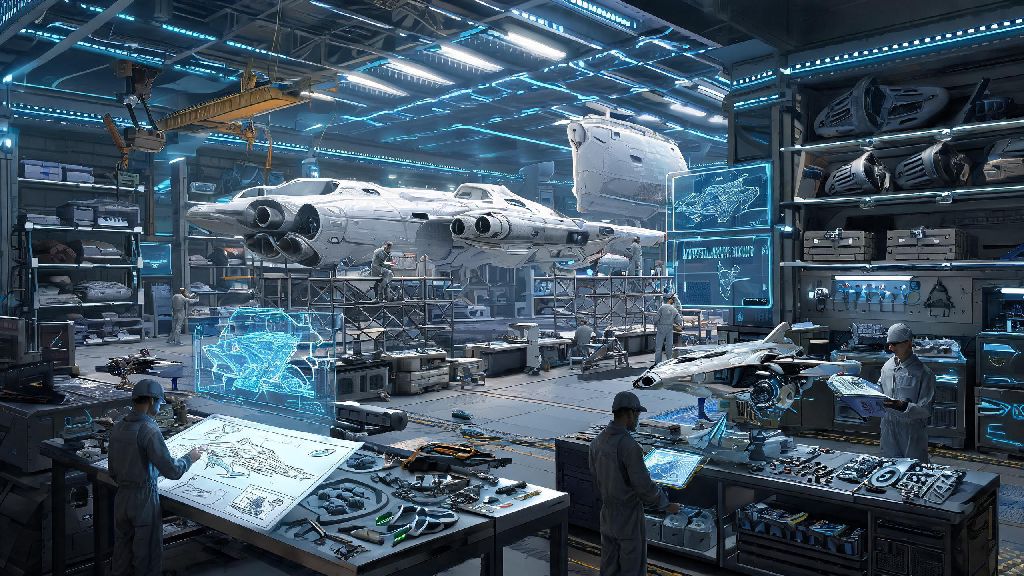
If you’ve ever flown past a crumpled crashed hauler or a sleek pre-built fighter and thought “I could make something way better than that,” you’re not alone. One of the most underrated features of No Man’s Sky is its fully functional ship builder, which lets you design a craft that fits exactly what you want out of your interstellar travels. We’re breaking down exactly how to make your own ship in No Man’s Sky from start to finish, no fancy exploits or paid DLC required. Even if you’ve never touched the ship builder tool before, this guide will walk you through every step so you can fly your dream ship in a couple of hours.
Key Pre-Requisites for Building Your First Custom Ship
Before you jump into designing, there are a few small boxes you need to tick first. First, you’ll need to progress through the opening “Awakening” quest line until you unlock your first freighter. The ship builder tool is only accessible via the terminal on your freighter, so you can’t build a custom ship if you haven’t picked up your first mobile base yet. You don’t need a fancy S-class freighter either; the default first freighter you get for free works perfectly for building ships.
Next, you’ll want to gather a base set of materials before you start building, so you don’t have to pause mid-design to go mining. I always keep a small stockpile of these resources stored on my freighter specifically for ship building projects:
You don’t need to grind for rare materials for your first build. Basic components work just fine for a functional first ship, and you can swap out parts for higher quality ones later once you have a design you love. If you’re short on Wiring Loom, you can usually pick up a stack cheap from any space station tech merchant, so you don’t have to craft them all yourself. You don’t need to be a veteran player to learn how to make your own ship in No Man’s Sky, either; the tool is designed to be accessible even for players who are only 10 or 15 hours into the game.
How to Make Your Own Ship in No Man’s Sky Step-by-Step
Once you have your materials gathered and your freighter unlocked, you’re ready to start building. Head to the Ship Builder terminal on the main bridge of your freighter, and select the “New Custom Ship” option to pull up the design menu. The first choice you’ll make is your base ship frame, which sets your ship’s core stat limits.
Base frames come in five main types: fighter, hauler, explorer, shuttle, and solar sail. If you love dogfighting pirates and taking on sentinel fleets, go for a fighter frame for its high base maneuverability and weapon slot limit. If you spend most of your time hauling stacks of resources between systems, pick a hauler frame for its extra cargo slots. You can tweak most stats later, but the base frame sets the maximum limit for each stat, so pick one that aligns with your usual playstyle.
Next, you’ll start building out your hull. You can drag and drop structural components like wings, hull panels, and thrusters anywhere on the frame, as long as they connect to the core structure. Every component you add affects your ship’s stats, so don’t go overboard adding 10 extra wings just for looks if you care about speed and maneuverability. Bigger thrusters boost your top speed and atmospheric handling, but they add extra weight that cuts into your hyperdrive range, so you’ll need to find a balance that works for you.
Once you’re happy with the hull shape, you’ll add internal components: hyperdrive, shield generators, scanners, cargo slots, and weapon hardpoints. You can move these around as much as you want, so don’t stress about placing them perfectly on your first try. When you’re done with the functional parts, you can customize the paint job, add decals, and even tweak the color of your ship’s engine trails. I once spent 2 hours adjusting the neon green accent color on my explorer to match the bioluminescent flora of my home planet, and it’s still my favorite ship 80 hours later.
How to Optimize Your Custom Ship for Your Playstyle
Building a ship that looks cool is fun, but you’ll get way more use out of it if you optimize it for how you actually play the game. If you’re a combat-focused player, prioritize shield strength, weapon hardpoints, and maneuverability over extra cargo slots. You can skip adding extra cargo bays if you only carry enough supplies for a few fights at a time, and use that saved weight to add extra thruster upgrades for faster turning and higher top speed.
If you’re an explorer who spends most of their time jumping between uncharted systems, max out your hyperdrive range first, then add extra scanner upgrades to help you find rare resources and ancient ruins faster. Add a few extra cargo slots for the rare materials you’ll find on uncharted planets, but you don’t need a full hauler’s worth of space unless you plan on mining while you explore. I always add an extra emergency life support module to my explorer builds, since you never know when you’ll get stranded on a toxic or frozen planet with no nearby outpost.
If you’re a hauler who runs trade routes between systems, max out your cargo slots first, then add warp core upgrades so you can jump between systems with a full cargo hold without burning through extra fuel. You can skip high-end thruster upgrades if you don’t care about speed, since you’ll mostly be traveling between space stations and trading posts anyway.
You can edit your ship at any time for no extra cost except the materials for new components, so don’t stress if your first build isn’t perfect. I’ve redesigned my main hauler three times in the last six months as my playstyle shifted from mostly exploring to mostly running trade routes, and it only took about 30 minutes each time to adjust the design. You can even save multiple draft builds to test out different ideas before you commit to one final design.
Common Mistakes to Avoid When Building Your Custom Ship
After building more than a dozen custom ships for myself and my friends, I’ve noticed a few common mistakes that new builders make all the time. The first is ignoring weight penalties for extra decorative components. It’s easy to get carried away adding extra fins, wings, and neon accents, but every single part adds weight that slows your ship down and reduces your hyperdrive range. If you want a highly decorative ship, you can offset the weight by adding extra high-performance thrusters, but that will cost you extra rare materials.
Another common mistake is not leaving enough empty cargo slots for emergency repairs. I’ve had new builders reach out to me frustrated because they filled every possible slot with upgrades, then got stuck in a hostile system with no space to pick up Ferrite Dust to fix their broken thrusters. Leave at least 5 empty cargo slots on any ship you build, no matter what your playstyle is, for emergency repairs and random resources you find mid-travel.
Always take your ship for a 2-minute test flight around your freighter before you finalize the build. It’s easy to miss that you forgot to add a working hyperdrive or that your ship handles like a brick when you’re focused on the design. A quick test flight will let you catch any functional issues or weird handling quirks before you save the build and swap over from your old ship. Test out the hyperdrive too, if you’re building a ship for long-distance travel, to make sure it has enough range for the systems you usually visit.
The last big mistake I see is wasting rare S-class upgrades on your first draft build. Most people tweak their design a lot in the first few weeks after building their first custom ship, so you don’t want to waste your hard-earned S-class hyperdrive upgrade on a build you’re just going to scrap a week later. Stick to common A or B class upgrades for your first draft, and save the rare ones for when you have a final design you know you’ll stick with. You can transfer all your existing ship upgrades to your custom build for free, so you don’t lose any of the upgrades you grinded for on your old ship when you make the switch.
Building a custom ship is one of the most rewarding parts of playing No Man’s Sky. Unlike pre-built ships you find crashed or buy from space stations, a custom ship feels like a real extension of your playstyle and personality, not just a tool to get you from one system to the next. Once you know how to make your own ship in No Man’s Sky, you’ll never want to go back to generic pre-made ships again. My current custom hauler has carried me through 30+ star systems, two community expeditions, and dozens of pirate fights, and I wouldn’t trade it for any S-class ship I’ve found out in the wild.