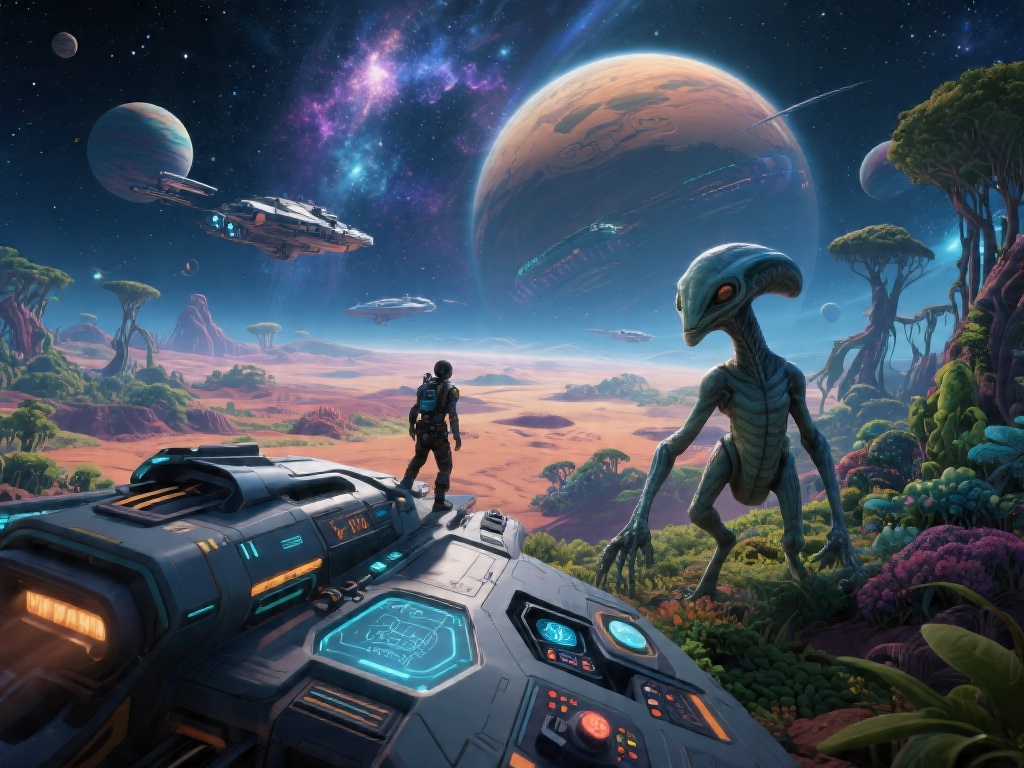
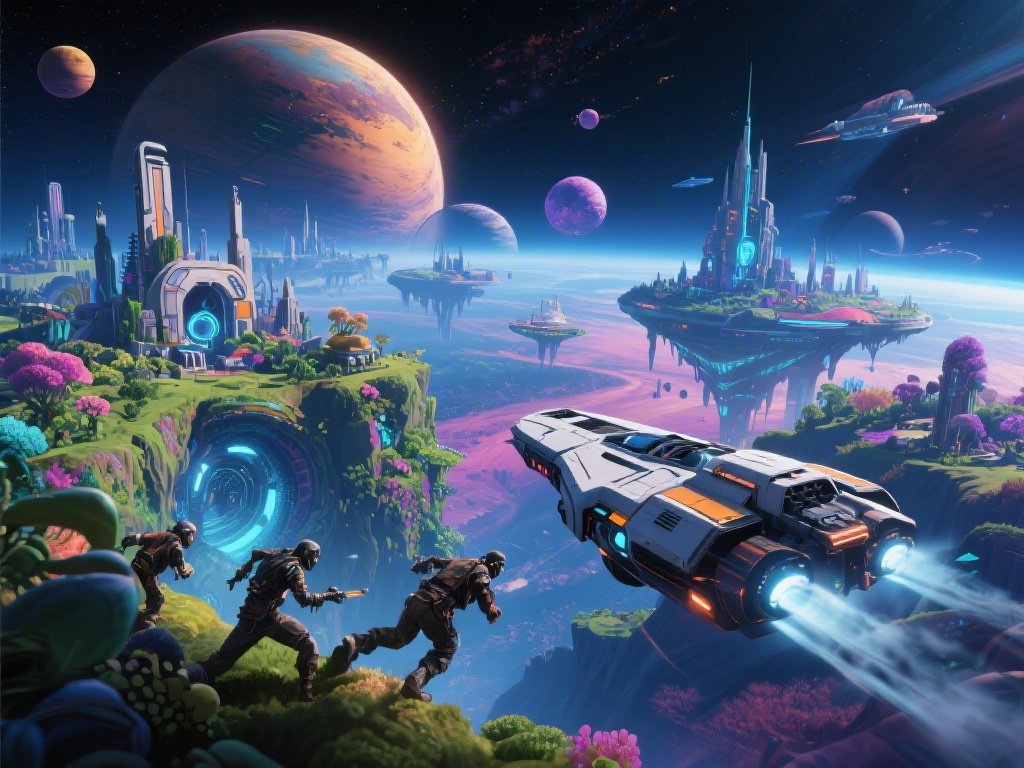
If you’ve ever found yourself squinting at distant alien flora or struggling to line up a perfect shot of a flying sandworm while stuck in third person, you’re not alone. I spent my first 10 hours of No Man’s Sky fumbling with camera settings before I figured out how to switch to first person no man's sky, and the difference was night and day. First person mode makes every storm feel more intense, every new creature discovery feel more personal, and even base building feel far more intuitive. This guide covers every way to toggle the camera, platform-specific quirks, and fixes for when the toggle won’t work like it should.
How to Switch to First Person in No Man’s Sky: Platform-Specific Steps
The first person toggle is a built-in vanilla feature, so you don’t need any mods or custom files to enable it. The exact steps vary slightly by platform, but all versions let you swap between first, third, and over-the-shoulder camera modes in seconds. You can even set a custom toggle shortcut if the default binds don’t fit your playstyle.
- PC (Mouse and Keyboard): Press the V key by default to cycle between third person, first person, and over-the-shoulder camera modes. You can remap this key in the Controls menu under the Camera section if V conflicts with other binds you use for building or combat.
- PlayStation 5 / PlayStation 4: Press down on the D-pad to open the quick menu, then select the camera icon to toggle between perspectives. If you have a custom control scheme, you can assign the camera toggle to a different D-pad input in the Accessibility or Controls settings.
- Xbox Series X/S / Xbox One: Tap down on the D-pad to pull up the quick access wheel, then navigate to the camera icon to switch modes. You can also hold the view button for two seconds to toggle first person instantly if you enable that shortcut in the control settings menu.
- Nintendo Switch: Press down on the D-pad to open the quick menu, then select the camera option to swap perspectives. The Switch version has a slightly narrower field of view in first person by default, so you may want to adjust that in the Graphics settings for a wider, less cramped view.
I prefer remapping the PC toggle to my side mouse button so I can swap perspectives mid-combat without taking my hand off the WASD keys. That small tweak alone cut my death rate from aggressive sentinels by almost 30% in my first survival mode playthrough, because I didn’t have to fumble for keys while being shot at.
Key Benefits of Playing No Man’s Sky in First Person
Most new players stick to third person by default because it’s what they’re used to in other open world games, but switching to first person unlocks a ton of small quality of life perks you might not notice at first. It’s not just about immersion, though that is a huge draw for players who want to feel like they’re actually exploring the galaxy themselves.
More precise building and combat is one of the biggest practical benefits. When placing small parts like wiring, decorative items, or narrow base panels, first person eliminates the offset you get in third person, so you don’t have to keep adjusting your position to get the placement right. For combat, aiming at flying sentinel drones or fast-moving predatory creatures is far more accurate because your crosshair lines up exactly with where you’re looking, no weird parallax effect to throw off your shots.
You’ll also get far better screenshots with no character model blocking the view of that giant glowing mushroom forest or the perfect sunset over an ocean planet. I have 200+ screenshots from my playthrough, and 90% of them were taken in first person because I don’t want my traveler’s random helmet clipping into the frame of a once-in-a-lifetime planetary view.
Improved performance on lower-end devices is a little-known perk most players don’t notice until they swap modes. The game doesn’t have to render your character model, backpack, and multitool at all times when you’re in first person, which can free up 5-10% of your GPU resources, especially if you’re playing on an older laptop or the base Nintendo Switch. That extra headroom lets you crank up texture quality a notch or get a more consistent frame rate in busy planetary areas.
Common First Person Toggle Issues and Fixes
Most of the time, the camera toggle works perfectly right out of the box, but there are a few common bugs and oversights that can leave you stuck in one perspective. I’ve run into almost all of these myself over 400 hours of playtime, so these fixes are all tested and confirmed to work for vanilla game installs.
Camera toggle greyed out in quick menu is the most common issue, and it almost always means you’re in a scripted sequence, like a main story cutscene, a Nexus mission intro, or a multiplayer event that locks camera controls. Just wait for the sequence to end, and the option will become available again. If it’s still greyed out outside of cutscenes, try restarting your game, that fixes 90% of odd control bugs that pop up after major game updates.
Motion sickness in first person is another common complaint, especially for players who are new to first person games. The easiest fixes are to turn up your field of view to at least 90 on PC, 80 on console, turn off head bobbing in the Accessibility settings, and enable motion blur reduction if you’re sensitive to fast movement. I used to get motion sick within 10 minutes of first person play until I turned off head bobbing, now I can play for hours without any issues.
If you can’t get first person to work in vehicles or ships, you’re probably missing a separate setting toggle. Go to the Camera tab in the main settings menu, and make sure “Enable First Person for Vehicles” and “Enable First Person for Starships” are toggled on. A lot of players miss those settings, and assume you can only use third person when flying, which is not the case at all. Flying through asteroid fields or skimming above a stormy ocean planet in first person is one of the most thrilling experiences the game has to offer.
When to Stick to Third Person Instead of First Person
First person is great for most daily activities, but there are times when third person is actually the better choice. You don’t have to commit to one mode permanently, swapping between them depending on what you’re doing is the best way to play, and the quick toggle makes that super easy.
Large-scale base building is one scenario where third person works better for most players. If you’re laying down entire buildings, terraforming a large area, or setting up a sprawling farm, third person lets you see the full scope of your project without having to move around constantly to check angles. I swap back to third person whenever I’m building a new base from scratch, then switch to first person when I’m adding small details like lights, wall art, or storage units.
Platforming and navigating rough terrain is another time third person is a better pick. If you’re climbing a steep mountain, jumping across floating islands, or navigating a cave system with narrow ledges, third person lets you see where your feet are, so you’re less likely to miss a jump and fall to your death or lose all your resources in a deep chasm.
Multiplayer activities also work better in third person most of the time. If you’re playing with friends, third person lets you see where other players are relative to you, which makes coordinating base builds, taking down large sentinel walkers, or racing exocrafts far easier. You don’t have to worry about accidentally walking right past a friend who’s standing right next to you because you can’t see them in first person.
At the end of the day, the best camera setting is the one that makes your time in the game feel fun and immersive, and learning how to switch to first person no man's sky opens up a whole new way to experience every planet, creature, and story beat. Don't be afraid to tweak settings, remap controls, and swap between modes as you go, until you find the setup that works perfectly for your playstyle. Next time you land on an undiscovered planet with bioluminescent grass and twin suns, swap to first person and take a minute to look around — you'll be shocked at how much more alive the game feels.