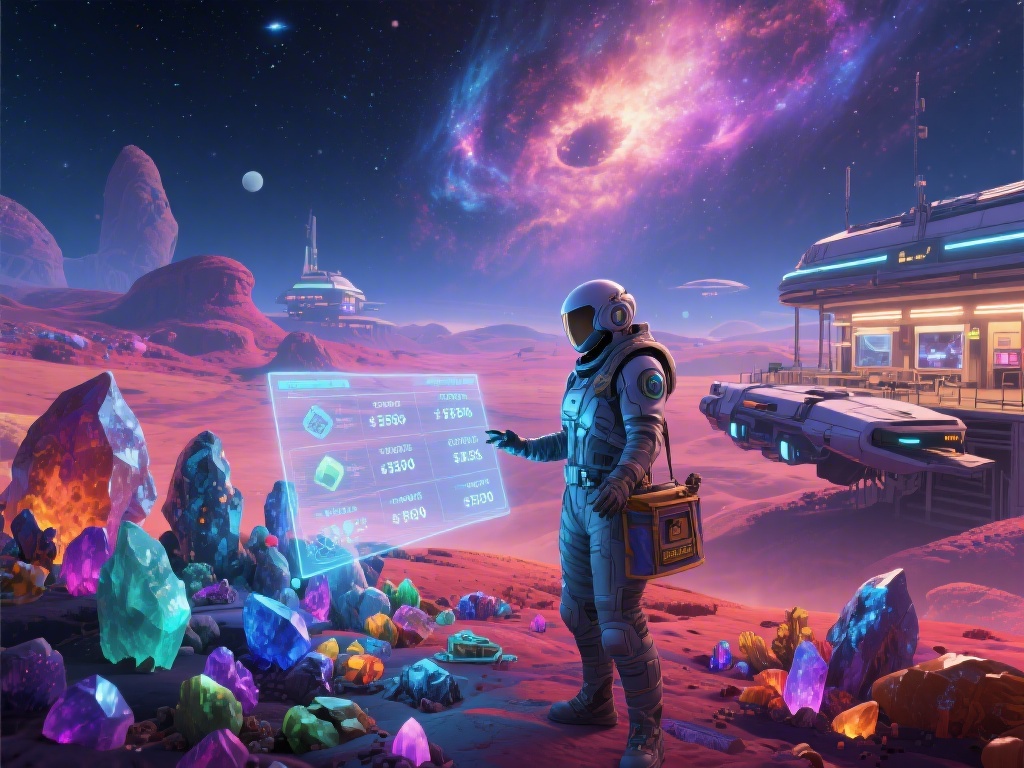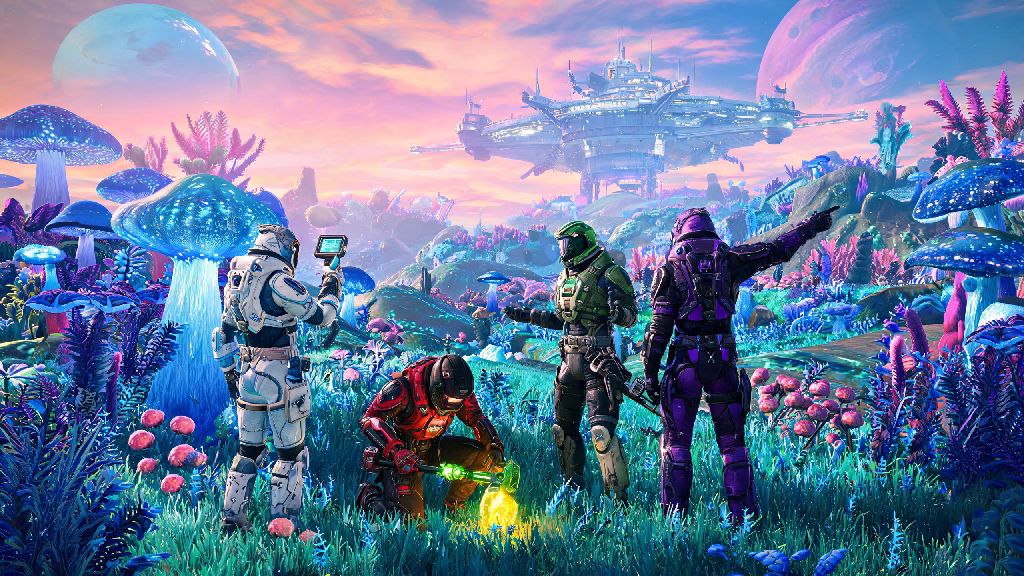
I spent my first 20 hours of No Man’s Sky bouncing between uncharted planets alone, scanning alien flora and avoiding sentinels without ever realizing how much richer the game gets with friends. If you’ve been wondering how to play multiplayer on No Man’s Sky, you’re in the right place — the mode is far more intuitive now than it was at launch, with crossplay support across every platform and tons of shared activities to dive into. You don’t have to grind for rare resources or beat the main story first to jump in, either, and you can toggle multiplayer settings on or off whenever you want to go back to solo exploration.
How to Play Multiplayer on No Man’s Sky: First Setup Steps
Before you invite anyone or join a lobby, take 30 seconds to check your in-game network settings to avoid headaches later. Head to the options tab from the main menu or pause screen, then navigate to the network section to toggle your preferences. You don’t want to spend 10 minutes troubleshooting a connection issue when you and your friends are excited to explore a new water planet together, so this quick pre-check goes a long way.
You don’t need to start a new save to play multiplayer, either. Any existing save works, even if you’re 100 hours deep into the main storyline. That means you can bring all your existing ships, resources, and base builds with you when you team up, no restart required. If you want to keep your main save separate for solo play, you can always create a second save specifically for multiplayer sessions too.
Different Ways to Play Multiplayer With Friends
Once your settings are sorted, you have a few options for connecting with people you know, depending on whether you’re already in the same galaxy or not. The easiest method for most players is sending a direct invite from the in-game social menu. Pull up the menu, navigate to the friends tab, and select the friend you want to play with to send an invite or request to join their lobby. You can also invite friends directly from your platform’s native friends list if you don’t want to navigate the in-game menu.
If you’re already exploring the same region and want to meet up organically, you can pull up your galaxy map and filter for friend locations to warp directly to their current system. Keep in mind that you’ll need the same warp drive upgrades they have to reach more distant, high-tier galaxies, so it’s easiest to meet in a starter system if one of you is new to the game. You can also drop a custom beacon on a planet you want to explore together so your friends can warp straight to your exact location once they’re in the same system.
Public lobbies are another option if you want to meet new players. You can browse open lobbies from the main menu, or set your own game to public to let random players drop in whenever they want. Just note that public lobbies don’t have any moderation, so you may run into players who destroy your builds or steal your resources if you don’t adjust your permissions first. I usually stick to private lobbies with people I know, but public lobbies can be fun if you just want to help other players with tough missions or show off your base builds.
Fun Multiplayer Activities to Try With Your Group
It’s easy to fall into the trap of just mining resources together when you first start playing co-op, but No Man’s Sky has tons of unique multiplayer-only activities that are way more rewarding. My personal favorite is tackling nexus missions together from the Space Anomaly — these 2-4 player missions give you rare rewards like exotic ship upgrades and base building decorations you can’t get playing solo. They’re also designed specifically for teams, so you won’t get overwhelmed by waves of sentinels if you split the work between your group.
Building a shared base cluster is another great way to spend time with your group. You can each claim a plot of land on the same planet, build connected outposts, and set up shared resource farms so no one ever runs out of carbon or ferrite dust again. You can even build a community race track with exocraft pads and have races across the planet’s surface for bragging rights, or set up a trading post where you can swap rare resources you’ve collected on your solo runs.
If you’re feeling more adventurous, you can take on sentinel freighter raids or explore abandoned derelict freighters together. These high-difficulty activities are far easier with a group, and the payout for clearing them is way higher when you split the work. You can also tag along on a friend’s main story missions if you want to experience the lore together, even if you’ve already beaten that section on your own save. Progress for story missions counts for every player in the lobby, so you can all move through the main plot at the same pace if you want.
Common Multiplayer Issues and How to Fix Them
Even with Hello Games’ constant updates, you’ll probably run into a few small hiccups when playing multiplayer, especially if you’re playing cross-platform. The most common issue is not being able to see a friend’s lobby in your social menu, which is almost always fixed by both of you restarting your game and double checking that crossplay is turned on in your settings. If that doesn’t work, make sure neither of you has the game set to offline mode on your platform’s system settings.
If you join a friend’s lobby and can’t interact with their base builds, that’s usually a permissions issue. Ask the lobby host to go to their network settings and toggle base building permissions to allow friends to edit, or add you as a specific contributor to their base if they only want to let certain people make changes. This is a really useful setting if you’re playing with a mix of friends and random public players, so you don’t come back to a half-destroyed base after a public lobby session.
Another common problem is desync when you’re exploring the same planet, where one player sees a structure or creature that the other doesn’t. This usually fixes itself if you both travel a few hundred meters away from the area and come back, or warp to a different planet and return. You don’t have to restart the whole lobby for small desync issues, most of the time they resolve on their own within a minute or two. If you’re still having issues after that, a quick lobby restart will almost always fix the problem.
At the end of the day, half the fun of No Man’s Sky’s massive, procedurally generated universe is getting to share the weird, wonderful discoveries you make with other people. Once you know how to play multiplayer on No Man’s Sky, you’ll find yourself coming back to the game far more often, whether you’re grinding nexus missions for rare rewards or just floating around a random gas giant with friends to take screenshots of the sunset. Don’t be afraid to tweak your settings to match your playstyle, either — you can hop between solo and multiplayer sessions whenever you want, no strings attached.