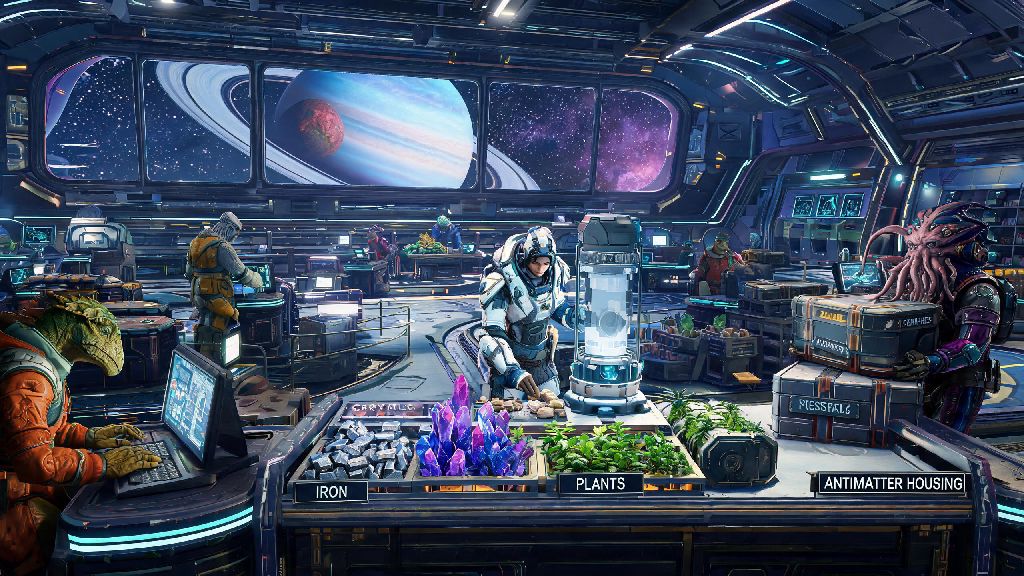
I still remember wasting 20 minutes of my first No Man’s Sky playthrough clicking every button on my build menu, trying to figure out how to place a refiner in No Man’s Sky so I could turn my pile of ferrite dust into pure ferrite for my first base. Refiners are easily one of the most game-changing tools in the entire game, letting you turn common, low-value resources into rare, high-demand materials you need for upgrades, base building, and trading. If you’ve been struggling to get your refiner set up correctly, or you’re not sure where to place them for maximum efficiency, this guide covers everything you need to know, from prerequisites to troubleshooting common errors.
Prerequisites You Need Before Placing a Refiner in No Man’s Sky
You can’t just pull a refiner out of thin air the second you start a new save, so you’ll need to check a few boxes first before you can start processing resources. First, you’ll need to progress through the initial Awakenings quest line until you unlock the base building tutorial. This happens within the first hour of play for most new players, so you won’t have to grind for too long to get access. You’ll automatically receive the portable refiner blueprint as part of this tutorial, and you’ll unlock medium and large refiner blueprints as you progress further into base building missions.
Next, you’ll need to gather the required resources to build the refiner type you want. Portable refiners are the easiest to craft, requiring just 1 metal plating and 30 oxygen, making them perfect for on-the-go exploration. Medium fixed refiners need 2 metal plating, 5 sodium nitrate, and 100 ferrite dust, while large fixed refiners require 5 metal plating, 10 sodium nitrate, and 200 ferrite dust. You’ll also need clear, flat terrain for fixed refiners, as uneven ground or hidden obstructions will block placement entirely.
For multiplayer servers, make sure you have build permissions for the area you’re trying to place a refiner in. You can’t build on other players’ claimed bases unless they explicitly give you access, so stick to your own claimed bases or unclaimed territory if you’re playing with others.
Step-by-Step Process to Place Different Refiner Types
The placement process changes slightly depending on if you’re using a portable refiner or a fixed base refiner, so we’ll break both down for you. For portable refiners, open your quick menu by pressing up on the D-pad (or the corresponding key on PC), navigate to the portable tech tab, select the refiner, and move your cursor to find a spot where the placement grid turns green. Once you confirm placement, you can interact with the refiner to add fuel (carbon or condensed carbon) and the resources you want to process. The best part about portable refiners is that you can pick them back up any time by interacting with them and selecting the pick up option, so you never have to leave them behind when you move to a new area.
For fixed medium or large refiners, open your base building menu, navigate to the industrial tab, and select the refiner size you want. Again, wait for the placement grid to turn green to confirm there are no obstructions, then place the refiner. Fixed refiners don’t use portable fuel, so you’ll need to connect them to a power source like solar panels, batteries, or biofuel generators using the power line tool in your build menu. Placing multiple large refiners next to each other lets you process up to 4 resource batches per refiner at the same time, which cuts down on hours of grinding for high-demand materials like chromatic metal or activated indium.
There are a few common placement mistakes that new players make all the time, so keep these in mind to avoid frustration:
- Placing fixed refiners more than 300 units from your base computer, which will make them unpowered and inaccessible when you return later
- Putting portable refiners too close to active hazard zones like volcanic vents or acid rain pools, which will destroy them after a few minutes
- Blocking the refiner’s input/output slot with other build items, which will stop you from adding resources or collecting crafted goods
- Forgetting to add fuel to portable refiners before leaving the area, which will pause your processing and waste your time
Optimal Refiner Placement Locations for Maximum Efficiency
Where you place your refiner matters just as much as how you place it, especially if you want to cut down on unnecessary travel time. First, for your main permanent base, place large refiners directly adjacent to your storage containers. That way you can pull raw resources straight from storage, process them, and put the finished goods right back without having to carry stacks of materials across your base. Placing refiners right next to your trade terminal is another great trick, as you can process low-value raw ore into high-value crafted goods and sell them immediately for a huge unit profit, no travel required.
If you’re heading out on a long exploration run, keep a portable refiner in your inventory at all times. Place it directly next to resource deposits so you can process raw ore on the spot, which saves tons of inventory space. For example, if you’re mining 1000 units of copper, you can turn it into 250 units of chromatic metal right there, freeing up 750 inventory slots for other materials you find along the way. Permadeath mode players should always place refiners inside claimed bases to avoid losing all your processed resources if you die far from home and can’t make it back to your dropped inventory.
One underrated placement spot is on your freighter. You can build as many large refiners as you want on your freighter deck, and they’re always powered as long as your freighter is functional. The best part is that you can access your freighter’s refiners from anywhere in the same star system, so you can send resources back to your freighter from a planet’s surface and process them while you keep exploring. You don’t have to worry about them despawning or getting destroyed by planetary hazards either, making them the most reliable option for long-term resource processing.
Troubleshooting Common Refiner Placement Errors
Even if you follow all the steps, you might run into a few common errors when trying to place a refiner, and most of them are easy to fix. The most common error is the “cannot place object here” notification, which usually pops up for one of three reasons: the terrain is too uneven, there’s a hidden obstruction like a buried rock or plant under the surface, or you’re too close to a pre-existing point of interest like a ruins or NPC base. The fix is simple: use your terrain manipulator to flatten a small 2x2 area where you want to place the refiner, or move 10-15 feet away from the point of interest and try again.
Another common issue is refiners stopping work or disappearing entirely when you leave the area. This almost always happens with portable refiners that aren’t placed inside a claimed base. If you place a portable refiner on unclaimed land, it will despawn after you travel more than 1000 units away, taking any resources inside with it. To fix this, either place portable refiners inside a small temporary claimed base when you’re exploring, or stick to fixed refiners at your permanent base or freighter for long processing runs.
If your fixed refiner won’t turn on, the first thing to check is your power supply. Open your build menu and look at the power lines connected to the refiner: if the lines are red, that means there’s a break in the connection, or your power source isn’t producing enough power to run all your base devices. Add more solar panels or batteries to your power grid, or re-run the power lines to fix the connection. For portable refiners that won’t start, make sure you’ve added enough fuel. Condensed carbon lasts 4 times longer than regular carbon for portable refiners, so it’s worth crafting a stack of 100 condensed carbon before you head out on long trips to avoid having to stop and refuel constantly.
I’ve used these placement tricks for over 300 hours of No Man’s Sky playtime across three different saves, and they’ve cut my total resource grinding time in half. You don’t need to be an expert base builder to get this right, just follow the steps we outlined and avoid the common mistakes we listed. Once you master how to place a refiner in No Man’s Sky, you’ll be able to craft every upgrade, build any base design you can imagine, and earn millions of units in a fraction of the time it would take to farm raw resources. Don’t be afraid to experiment with different placement spots to find what works best for your playstyle, whether you’re a casual explorer who only processes small batches of resources or a dedicated trader who runs 10 large refiners 24/7 to make units.