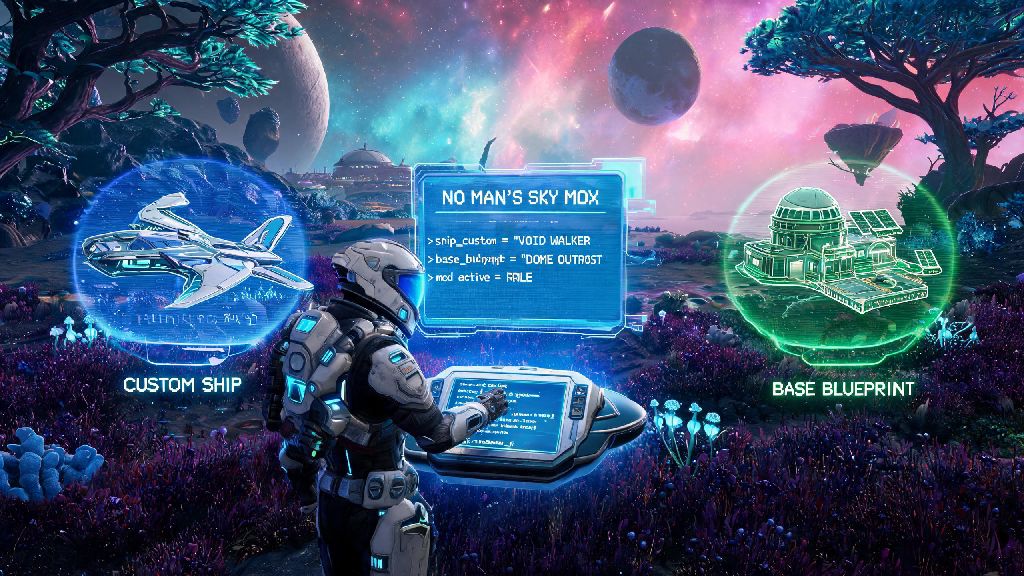
No Man's Sky has evolved dramatically from its 2016 launch, with dozens of free updates adding everything from space fleets to base building to full multiplayer co-op. Even with all that official content, though, thousands of players choose to tweak their experience with custom mods to add features Hello Games hasn't gotten around to yet, or cut out parts of the game they find frustrating. If you've been curious how to mod No Man's Sky 2025 without breaking your save or getting banned from multiplayer, this guide covers every step you need to know, from pre-install prep to troubleshooting common issues.
Pre-Modding Prep to Protect Your Save Files and Game Install
The biggest mistake new modders make is jumping straight to downloading mods without taking 10 minutes to secure their existing game and saves. You can lose hundreds of hours of exploration progress if a bad mod corrupts your files, so these steps are non-negotiable. First, back up your entire No Man's Sky save folder to a separate location on your PC, or even a cloud drive, before you touch any mod files. Save locations vary by platform: for Steam users, they're usually in C:\Users\[Your Username]\AppData\Roaming\HelloGames\NMS, while PC Game Pass saves are tucked in the Xbox app's local storage folders.
Next, verify your game file integrity through your store client to make sure you have a clean, unmodified base game to work with. This will fix any corrupted files from past updates that might cause mod conflicts later. You should also note that modding is only officially supported for single-player gameplay. If you join public multiplayer lobbies with mods installed, you risk getting a temporary or permanent ban from NMS online features, so make sure you disable all mods before playing with others unless you're on a private server with friends who all use the same mod list.
How to Install Mods for No Man's Sky 2025 Step-by-Step
Once you've completed your pre-modding prep, the actual installation process is simpler than most new players expect. All modern NMS mods rely on a shared framework that handles load order and compatibility, so you don't have to edit any core game files manually. Follow these exact steps to avoid mistakes:
If you're installing more than one mod, pay attention to load order notes from mod authors. Some mods need to load first to work properly, and most mod sites will note if a mod conflicts with another popular one. Many modders spend 20-30 minutes at a time testing new mod combinations to fix conflicts, so it's common to take short breaks between testing runs to avoid burnout. If you want a quick, low-effort distraction while waiting for the game to launch after you adjust load order, you can pull up Yono Slots for a few minutes of casual fun without pulling you away from your modding task for too long. If you're unsure if a mod is working, you can launch the game and check for the mod's features immediately – for example, if you installed an inventory expansion mod, open your inventory to see if your slot count has increased.
Top Recommended Mods for New NMS Modders
If you're not sure which mods to start with, stick to these popular, well-tested options that are compatible with the latest game updates and have very low conflict risk. Better Planet Generation is one of the most downloaded NMS mods of all time, adding dozens of new biomes, weird weather effects, and rare planet types that don't appear in the base game. It makes exploration feel brand new even if you've been playing for years, and it works with almost every other popular mod.
Inventory Expansion is another fan favorite, removing the restrictive default inventory limits for your ship, exosuit, and multi-tool so you don't have to run back to your base every 10 minutes to drop off resources. For players who hate being harassed by sentinels while they're mining or building, the No Sentinels mod removes all sentinel spawns entirely, so you can explore peacefully without random attacks. If you want to tweak performance, there are also plenty of mods that reduce visual clutter in busy areas or boost frame rate on lower-end PCs, without changing any core gameplay features. No matter which mods you choose, always read the full description from the mod author before downloading, to check for compatibility notes or extra installation steps you might have missed.
Troubleshooting Common NMS Modding Issues
Even if you follow all the installation steps perfectly, you might run into issues occasionally, especially after official game updates that change core files. The most common problem is the game crashing immediately on launch after you install a new mod. The easiest fix here is disable all new mods you added before the crash, then re-enable them one by one to find the conflicting mod. If none of your mods are loading at all, that almost always means the NMS Modding Framework is out of date or installed incorrectly, so reinstall the latest version of the framework directly into your game folder to fix it.
If you run into save file corruption, don't panic – that's why you backed up your saves before you started modding. Just replace the corrupted save folder with your backup, and you'll get all your progress back. One thing to keep in mind: every time Hello Games releases an official NMS update, most mods will stop working until their authors update them to work with the new patch. If you rely on a lot of mods to enjoy the game, you can turn off automatic updates for NMS in your store client, so you don't accidentally update before all your favorite mods are compatible.
Modding No Man's Sky is one of the best ways to keep the game feeling fresh years after its original release, whether you want to add new content, fix minor annoyances, or make the game run better on your PC. As long as you follow the safety steps and installation instructions laid out in this guide on how to mod No Man's Sky 2025, you'll be able to create a custom gameplay experience that fits exactly what you want out of your space exploration adventure. If you run into issues you can't fix on your own, the NMS modding community is very active and friendly, so you can always ask for help on official community forums to get your mod list running smoothly.