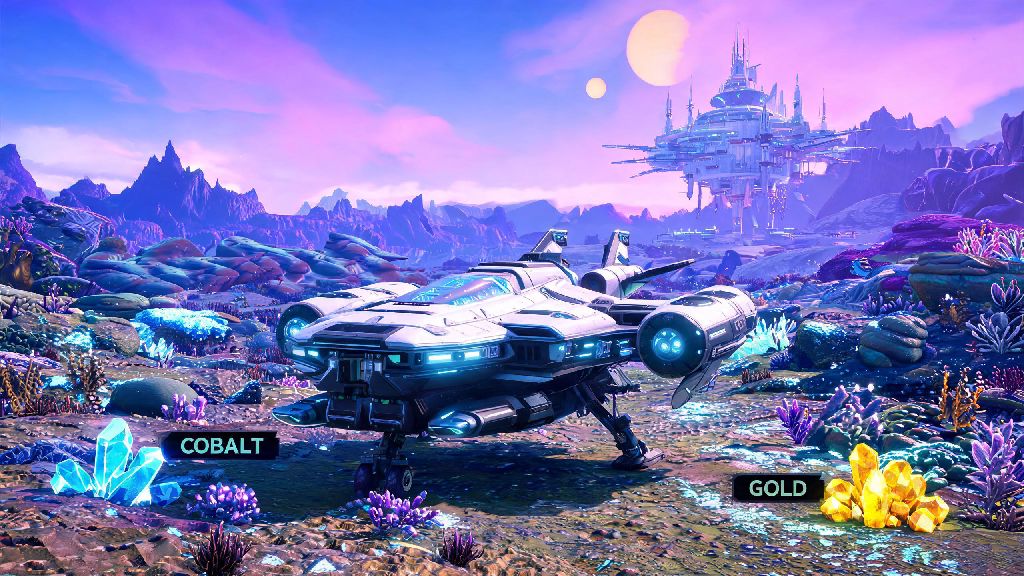
If you’ve ever careened into a jagged mountain ridge while trying to touch down on a radioactive planet, or bounced off a space station docking port and lost half your hull integrity, you already know that mastering how to land ship in No Man's Sky is one of the most essential core skills you’ll pick up as an interloper. I’ve put hundreds of hours into the game, and I still mess up landings sometimes when I’m rushing to grab a rare resource before a storm hits. The good news is you don’t need fancy upgrades or perfect reflexes to pull off smooth, damage-free landings 99% of the time. This guide breaks down everything I’ve learned from years of missteps and successful runs, for every type of landing scenario you’ll run into.
How to Land Ship in No Man's Sky: Basic Controls for All Platforms
The first step to nailing every landing is memorizing the core controls for your platform, and understanding how the game’s built-in landing assist works. Always enable landing assist first before you attempt any landing — it’s turned on by default for new players, but if you’ve toggled it off for manual high-speed flying, make sure you switch it back on when you’re preparing to touch down. Landing assist will automatically scan for flat terrain, adjust your speed, and align your ship to avoid crashes, even if you’re a little off course. The core landing controls are consistent across most platforms, but we’ve broken them down below for quick reference:
Once you get the hang of these basic controls, how to land ship in No Man's Sky will feel like second nature after just a few runs. You don’t have to follow the landing assist’s suggested spot if you have a better one in mind — you can fly low over a flat patch you spot and trigger the landing sequence manually even if the assist hasn’t highlighted it. If you get a “terrain too steep” warning, pull up 50 to 100 meters, move 200 meters in any direction, and try again.
Tips for Smooth Landings on Hazardous or Irregular Planets
Most landing mishaps happen on planets with weird terrain, extreme weather, or constant sentinel activity, especially if you’re rushing to reach a point of interest before your life support runs out. I learned this the hard way on a volcanic planet mid-eruption, when I skipped scouting a landing spot and ended up touching down half on a lava rock, losing 30% of my hull and wasting all my spare ferrite dust on repairs. Fly at low altitude first to scout a landing spot before triggering the sequence to avoid this exact mistake.
If you’re navigating a storm, your visibility will be extremely limited, so use your HUD scanner to highlight flat, open areas. Any pre-built landing pads, including those at trading posts, abandoned buildings, or your own base, will show up bright blue on your scanner, so prioritize those if they’re within range. For unmarked areas, stick to open plains, frozen lake surfaces, or wide desert flats — these terrain types almost always have enough clear space for even large hauler ships to land without scraping their hulls. If you’re flying a small fighter, you can get away with smaller spots, but it’s still better to give yourself a little extra room in case you drift mid-descent.
Docking at Space Stations, Freighters, and Other Space Structures
Landing isn’t just limited to planets, of course — docking at space stations, freighters, and other space structures is a regular part of gameplay, and it comes with its own set of rules to avoid costly mistakes. There’s nothing more frustrating than carrying a hold full of rare storm crystals to sell, only to bounce off the space station docking port and have to fight off pirates while you repair your hull. Slow to 10% thrust or lower before you enter the docking bay entrance to avoid this issue. The auto-dock sequence will kick in as soon as you cross the entrance threshold, but if you’re moving too fast, you’ll collide with the outer walls before it can activate.
If you’re docking at your own freighter, you can trigger the landing sequence from up to 2km away, and the auto-pilot will bring you right to your designated landing pad with zero extra effort. If you’re docking at a stranger’s freighter in multiplayer, you’ll have to get within 500 meters first before the landing option pops up on your HUD. For space stations, if you’re having trouble finding the docking bay, look for the glowing blue rectangular opening on the side of the station opposite the visible trade terminal signs — there’s always a small blinking navigation light right above it to guide you in, even if you’re approaching from a distance.
Common Landing Mistakes to Avoid for New Players
Even if you know the basic controls, it’s easy to fall into bad habits that lead to unnecessary crashes and repairs. The most common mistake I see new players make is disabling landing assist before they have 50+ hours of flight time under their belt. A lot of new players turn it off because they see veteran content creators doing manual landings, but the assist is there for a reason. Landing assist will prevent 90% of crash landings even if you’re distracted or dealing with a sudden pirate attack mid-descent.
Other common mistakes include trying to land too close to aggressive creatures or sentinel walkers, even if the spot is perfectly flat. If you land within 100 meters of a hostile unit, they’ll attack your ship as soon as you touch down, and you’ll have to either fight them off or take off again before you can exit your ship. You should also always check your landing gear durability before you head down to a planet — if your landing gear is damaged, even a perfect landing will cause hull damage, and you might get stuck if you don’t have the resources to repair it. If you’re flying a large hauler or exotic ship, avoid trying to land in narrow canyons or tight spaces, as these ships need twice as much clear space as small fighters to land safely.
At the end of the day, mastering how to land ship in No Man's Sky is less about perfect reflexes and more about slowing down and paying attention to your surroundings. You don't need any rare upgrades or advanced skills to pull off consistent, damage-free landings, just a little bit of patience and practice. Next time you're heading down to a new planet or approaching a space station full of valuable trade goods, take an extra 10 seconds to scout your spot, check your speed, and let the landing assist do its job if you need it. You'll save yourself a ton of time repairing hull damage and hunting for spare resources in the long run.