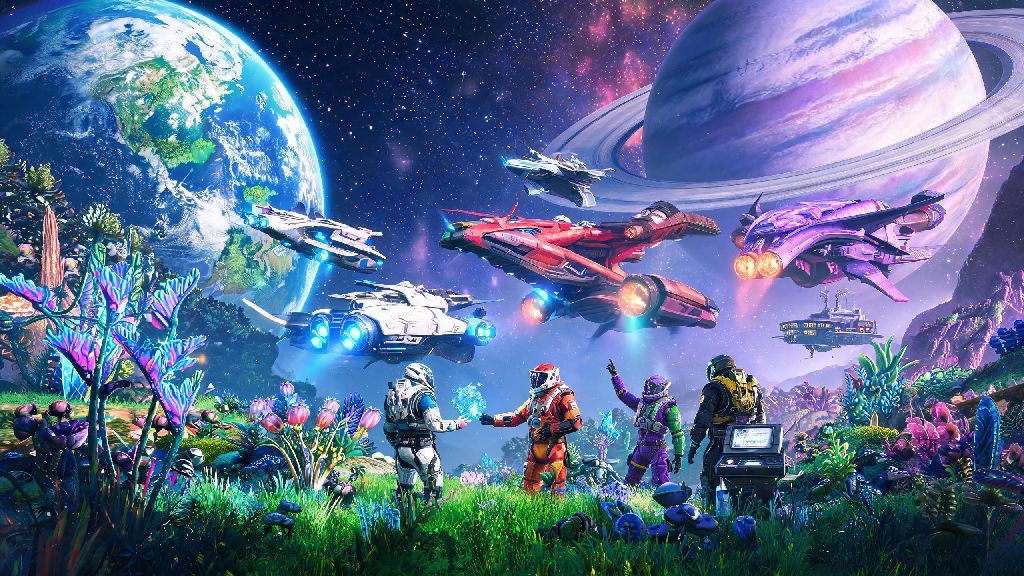
There’s nothing quite like stumbling on a glowing S-class exotic ship or a lush, predator-free paradise planet in No Man’s Sky and wishing you could show it to a friend right away. If you’ve been fumbling through menus trying to figure out how to invite people in No Man’s Sky, you’re not alone. Hello Games’ massive open universe has expanded a ton over the years, and its multiplayer options can feel a little hidden if you don’t know where to look. This guide breaks down every method, from quick public group joins to crossplay invites for friends on other platforms, so you can stop navigating menus alone and start exploring together.
How to Invite People in No Man’s Sky: 3 Simple Methods for All Platforms
Before you send any invites, make sure you’ve turned on multiplayer in your game settings first. A lot of players accidentally leave it disabled when they first start playing solo, and that’s the most common reason invites fail. There are three core ways to send invites, no matter if you’re on PC, PlayStation, Xbox, or Switch:
For the in-game friend list invite, open the quick menu by pressing down on the d-pad (or the corresponding key on PC), navigate to the “Friends” tab, select the name of the person you want to invite, and hit “Invite to Session”. Crossplay is enabled by default for all new saves, but you can double check in the Network settings if you’re having issues seeing friends on other platforms. If you want to use the platform overlay invite, just open your Steam, PSN, Xbox, or Switch overlay, select your friend from your platform friend list, and hit “Invite to Game” – this works without you having to add them as an in-game friend first. The session code method is perfect for random players you meet on community groups or streams: just navigate to the Network tab in settings, copy your unique 6-digit session code, and share it with the person you want to invite. They can enter the code in the same menu to join your session immediately, no friend add required.
Crossplay Invite Tips to Avoid Common Headaches
A lot of players run into issues when inviting friends on different consoles, because they forget to link their Hello Games account first. If you’re playing on PlayStation and want to invite a friend on Steam, for example, you can’t just rely on your PSN friend list. You’ll need to both link your Hello Games accounts first, then add each other using your No Man’s Sky display names. You can find your unique No Man’s Sky display name in the Network tab of your settings menu, so make sure to share that with friends if they can’t find you in search.
One thing to watch out for: if you have a special character in your display name, some older versions of the game might not recognize it. If your friend can’t find you, try changing your display name to only use letters and numbers temporarily, that usually fixes the problem. You also don’t need to be in the same star system to send an invite. Once your friend accepts, they’ll spawn right next to you, even if you’re 100 star systems away from their last save point. That’s a huge quality of life feature that a lot of new players don’t know exists, so you don’t have to waste time coordinating meetups at a common space station first.
What to Do If Your No Man’s Sky Invites Aren’t Working
Even if you follow all the steps correctly, invites can fail sometimes, usually because of small network or setting issues you can fix in a minute or two. The first thing to check is that both you and the person you’re inviting have Network Play enabled in your save settings. If you started your save as a solo only game, you can change this at any time from the main menu, no need to start a new save. Next, check your NAT type. If you have a strict NAT, you won’t be able to host sessions for other players. You can fix this by enabling UPnP on your router, or by using a wired internet connection instead of Wi-Fi to reduce connection drops.
If you’re playing on PC with mods, be aware that some modded saves won’t support multiplayer at all. If you have a lot of custom mods installed, try disabling them before you host a session, otherwise your friends might get kicked out immediately when they try to join. One little-known fix for invite failures: if you get a “failed to join session” error, try having the other person send you an invite instead, instead of you sending one to them. That works more often than you’d think, especially if one of you has a slower internet connection.
Fun Things to Do With Friends After You Send an Invite
Once you figure out how to invite people in No Man’s Sky, the whole game opens up in ways you can’t experience playing solo. A lot of players only team up to complete main story missions, but there are tons of fun co-op activities to try. Base building with friends is one of the most popular co-op features – you can split up tasks to gather resources, build massive shared bases on paradise planets, and even set up trading outposts that all of you can earn units from. You can also take on pirate fleets together in space combat, which is way easier with multiple players manning different ship weapons.
If you’re feeling competitive, you can set up friendly race tracks on different planets and compete for the fastest time, or hunt for rare S-class ships together to add to your collections. You can even share resources and blueprints with each other, so new players can get access to high-end gear way faster than they would playing alone. Just make sure you don’t accidentally take resources from your friend’s base without asking first – that’s a quick way to annoy your co-op partner, even if you didn’t mean to.
At the end of the day, No Man’s Sky was made to be explored with other people, and learning how to invite people in No Man’s Sky takes less than five minutes once you know where the menus are. You don’t need any special settings or extra downloads to play with friends, even across different platforms, so you can jump right into co-op after you follow the steps we laid out. Whether you’re teaming up to beat a tough story boss or just showing off your latest base build, playing with friends makes every part of the game feel more fun. If you run into any issues we didn’t cover, drop a comment below and we’ll help you figure it out.