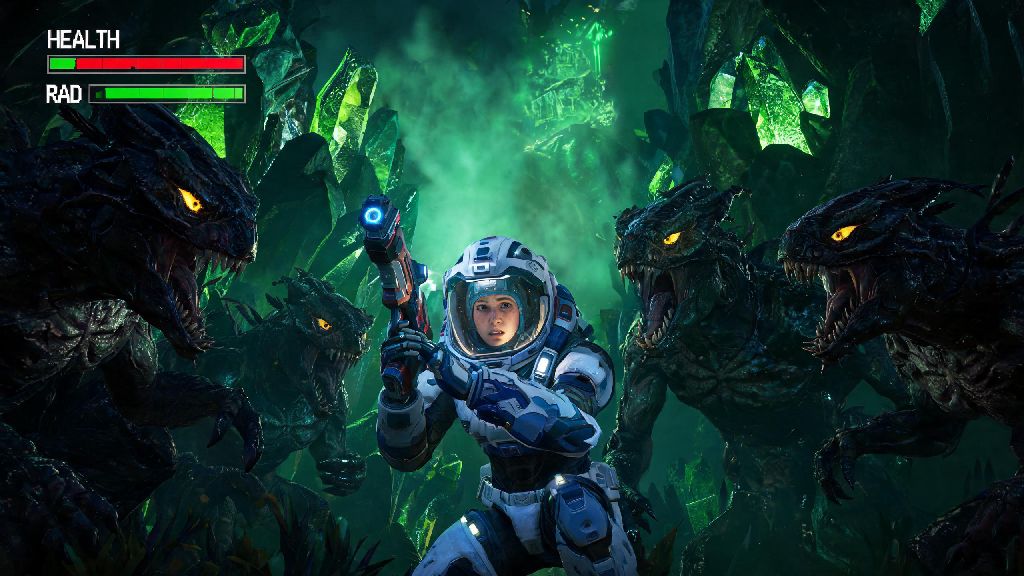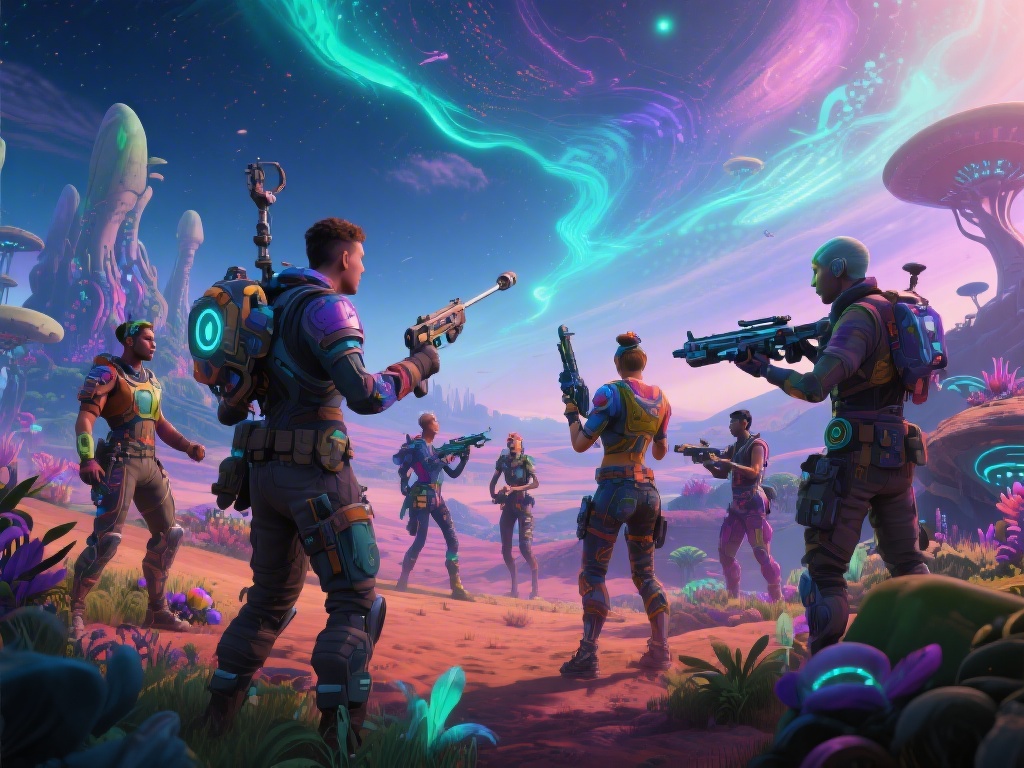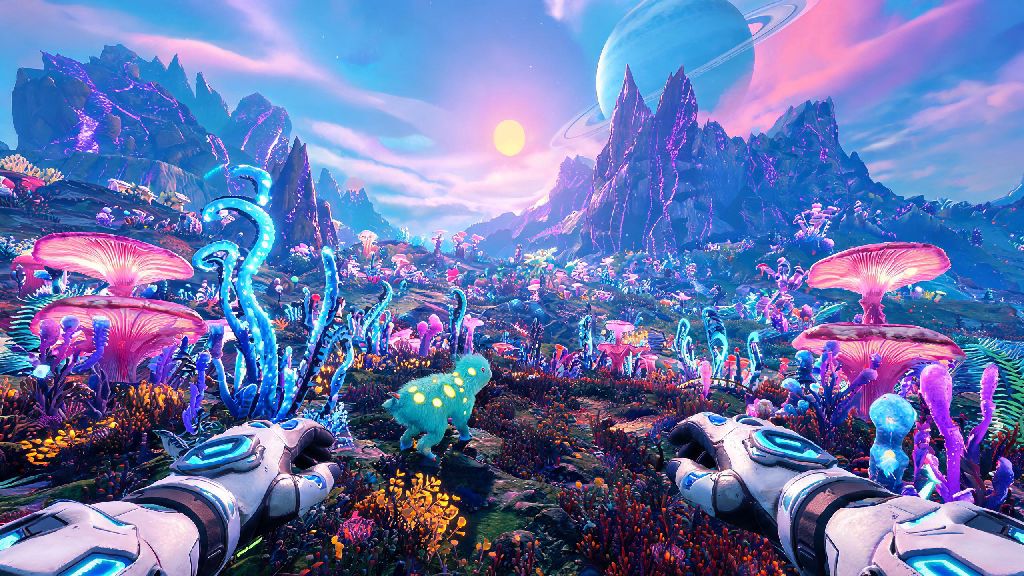
If you’ve ever trekked across a glowing alien planet in No Man’s Sky and felt like the third-person camera is putting a barrier between you and the weird, wonderful world around you, you’re far from alone. I spent my first 12 hours of play fumbling with settings and random key presses trying to figure out how to go first person in No Man's Sky PC, because the toggle isn’t exactly spelled out for new players. The shift to first person doesn’t just make the game feel more immersive, it also makes small details like the texture of alien fungus or the glow of a distant storm feel far more tangible, especially if you’re running high-resolution texture packs or playing on an ultrawide monitor.
How to Go First Person in No Man's Sky PC With Default Controls
The good news is you don’t need mods or custom files to switch perspectives. The default toggle key for first person mode on PC is V, and a quick tap will cycle you between first person, third-person over-the-shoulder, and far third-person views. This toggle works across every gameplay scenario, whether you’re on foot mining resources, flying your starship through asteroid fields, or cruising across a frozen planet in an exocraft. If you don’t want to cycle through all three views, you can hold down the V key instead of tapping it to bring up a small radial menu that lets you pick exactly which perspective you want to use. Keep in mind that some story cutscenes and specific mission beats will force you into third person to show character animations or story details, but you can toggle back to first person immediately after the scene ends.
Customize First Person Settings for a Smoother Gameplay Experience
Just switching to first person isn’t enough for most players, as the default first person settings are tuned for console players and can lead to motion sickness or limited visibility on PC. Your first adjustment should be your field of view (FOV), which is set to a narrow 65 by default for first person on foot. Bumping this to 80 to 90 will let you see more of your surroundings without the fish-eye effect that comes with extremely high FOV, and it will drastically reduce feelings of motion sickness for most people. You can set separate FOV values for on-foot play, starship flight, and exocraft use, so you don’t have to readjust every time you switch activities. If you’re prone to motion sickness, disable first person head bob in the accessibility menu, as the subtle up-and-down movement as you walk is the most common trigger for discomfort during long play sessions. You can also change the perspective toggle from a tap to a hold in the controls menu if you keep accidentally switching views mid-combat or while building.
Common First Person Mode Issues on PC (And Quick Fixes)
Most players won’t run into problems switching to first person, but there are a few common snags that pop up, especially if you’ve customized your controls or are running mods. These are the three issues I see most often, with simple fixes that take less than a minute to apply:
If you’re running modded content, some gameplay overhaul mods will change how the perspective toggle works, so check the mod’s official documentation for adjustment steps. Always back up your save file before installing any first person mods to avoid losing hours of progress if something goes wrong.
Mods to Enhance First Person Play on No Man's Sky PC
Vanilla first person mode works perfectly well for most players, but there are a handful of mods that make the experience far more immersive if you want to customize things further. The First Person Enhanced mod is the most popular option, as it adds missing first person animations for actions like building, harvesting resources, and interacting with NPCs, so you don’t feel like you’re just a floating camera holding a multi-tool. Another fan favorite is the Immersive First Person mod, which lets you see your character’s arms, legs, and suit when you look down, instead of the empty void that shows up in vanilla play. If you play multiplayer, make sure any mods you install are allowed on the server you’re joining, as some community servers ban gameplay-altering mods to prevent unfair advantages. You don’t need any mods to enjoy first person, but they’re a fun way to tailor the experience to your preferences if you’ve already put dozens of hours into the game.
Whether you’re exploring a toxic moon full of rare glowing flora or dogfighting pirates above a sun-scorched desert planet, knowing how to go first person in No Man's Sky PC completely changes how you experience the game’s vast, procedurally generated worlds. You don’t need fancy hardware or complex mods to use the feature, just a quick tap of a key or a few small adjustments to your settings. Next time you load into your save, try playing in first person for an hour. You might be surprised how much more connected you feel to every strange new planet, alien encounter, and unexpected discovery you run into.