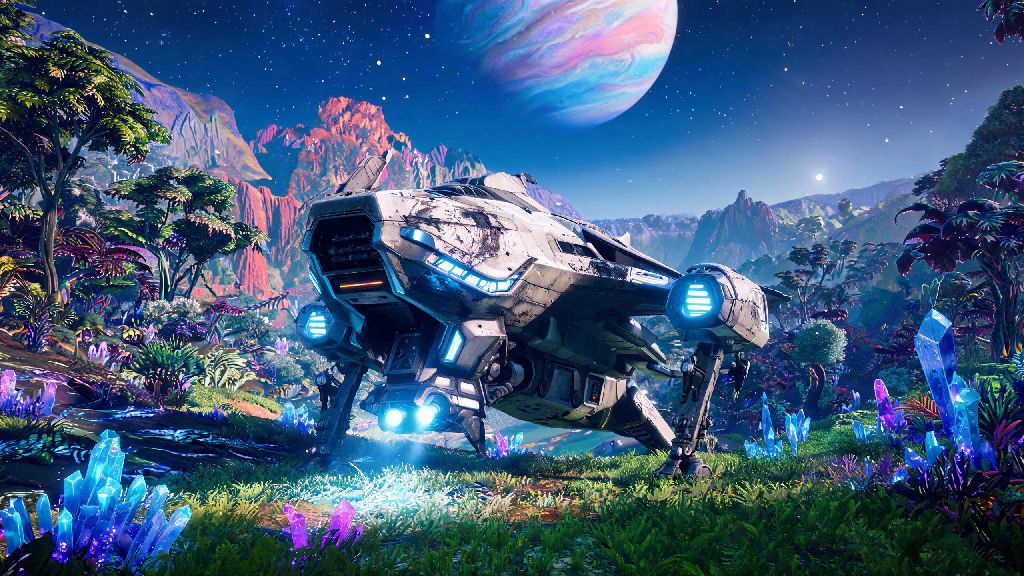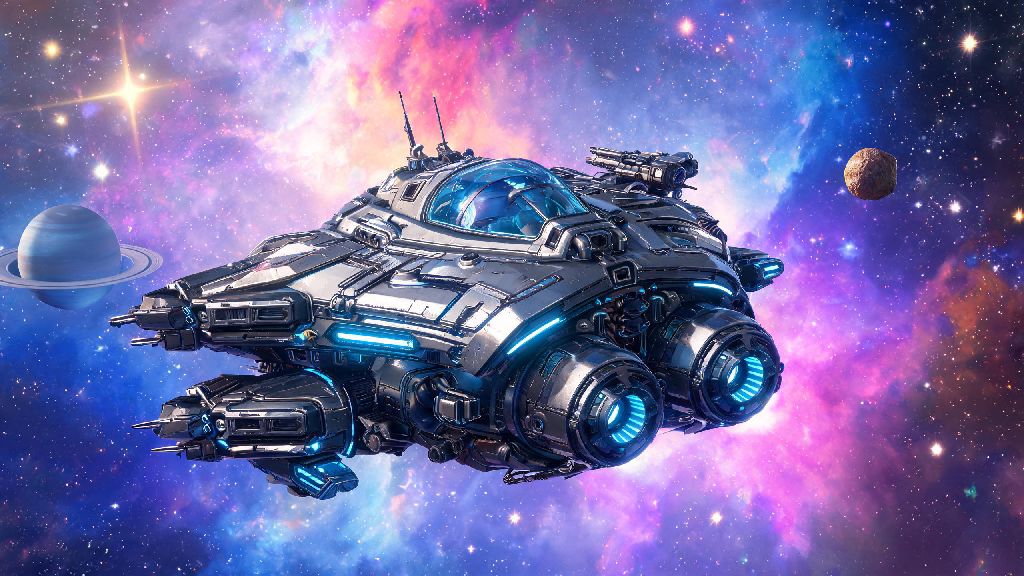
If you’ve spent hours hopping between star systems in No Man’s Sky, you’ve probably stared at a random crashed hauler or sleek exotic vessel and wondered if you could build something that fits your exact playstyle. Learning how to build a ship in No Man’s Sky isn’t just a fun side project—it lets you skip the grind of hunting for pre-generated ships with random stat rolls and designs you don’t love. I’ve spent over 300 hours in the game testing every part of the ship building system, so I’m breaking down everything you need to know to avoid common mistakes and get your custom starship flying fast.
Pre-Requisites to Unlock Ship Building in No Man’s Sky
You don’t need to beat the main story or reach a late-game milestone to unlock ship building, but you do need to complete a few small initial tasks first. First, you’ll need to unlock the Space Anomaly, which happens automatically a few hours into the game after you leave your starting star system. Head to the Construction Research Station inside the Anomaly to purchase the Ship Builder Terminal blueprint for 10 Salvaged Data. You need a minimum of 10 free slots in your current ship inventory to carry the terminal components and initial building parts, so clear out some space before you start. You can place the terminal either on a planetary base or on your freighter; I recommend placing it on your freighter first, so you can access it anywhere you travel in a star system without having to fly back to a fixed planet base.
How to Build a Ship in No Man’s Sky: Core Step-by-Step Process
Once you have your Ship Builder Terminal placed and powered, you’re ready to start building. First, interact with the terminal to open the ship building menu, and start by selecting your ship class. Each class has fixed base stat bonuses so pick one that matches your playstyle: haulers get extra inventory slots, explorers get longer warp range, fighters get higher combat damage, and shuttles have balanced stats for all use cases. Next, place the core fuselage, which is the only mandatory structural part for any ship. From there, add functional components first: launch thrusters, sublight thrusters, a warp drive, shield generators, and a life support system. Once all functional parts are installed, you can add cosmetic parts like wings, paint jobs, and extra lighting to make the ship feel unique. When you’re happy with your design, select the “register ship” option at the terminal to claim it as your own, and you’ll be able to take it for a test flight immediately.
Critical Resources You’ll Need for Your Custom Ship Build
The exact amount of resources you need will vary depending on how large and complex your ship design is, but there’s a baseline set of materials you’ll need for any functional, flyable build. You don’t have to spend thousands of units buying these from space station vendors, either: most are easy to farm in your first few star systems. Here’s the minimum list of resources you’ll need to get started:
You can farm most of these resources on your starting planet or nearby systems so you don’t have to grind for hours to get your first build off the ground. If you have a freighter with a resource mining fleet, you can passively collect 90% of these materials in 24 hours of real time, no manual farming required. I always recommend gathering 20% extra of each resource before you start building, so you don’t have to pause halfway through to go farm more if you make a mistake or want to add an extra part.
Pro Tips to Optimize Your Custom Ship Build
I’ve built 17 custom ships over my 300 hours of playtime, so I’ve picked up a lot of small tricks that make the process faster and help you avoid costly mistakes. First, always test fly your ship before you add any cosmetic parts. If you mess up the placement of thrusters or warp drives, you’ll have to tear down all your cosmetic parts to fix them, which wastes time and resources. You can increase your ship's inventory capacity by 50% by adding extra storage modules during the build process, which is way cheaper than buying inventory upgrades for a pre-generated ship later. Don’t place thrusters within two units of each other, either: this causes a performance penalty that reduces your sublight speed by up to 20%, which makes traveling between planets way slower. You can also install specialized parts like a ship-mounted mining laser or frigate summoning module during the initial build, which saves you from having to spend rare upgrade modules to add them later. Saving your build blueprint takes 10 seconds and can save you hours of work if something goes wrong, so always save a copy to your Ship Builder Terminal before you register your ship. That way, if you lose your ship to a pirate attack or a bad crash landing, you can rebuild it for free in minutes.
Building a custom ship is one of the most rewarding parts of No Man’s Sky, and you don’t need to be a late-game player to pull it off. Don’t be afraid to experiment with weird shapes and bright color schemes, there’s no right or wrong way to design your ship as long as all functional parts are installed correctly. Now that you know how to build a ship in No Man’s Sky, you can stop settling for random pre-generated ships you find floating around space and fly something that feels truly yours. I still find new design tricks every time I sit down to build, so don’t get discouraged if your first build doesn’t turn out exactly how you imagined. Half the fun is tweaking it until it’s perfect.