If you’ve spent dozens of hours exploring No Man’s Sky’s endless galaxy alone, you’ve probably wondered how much more fun it would be to bring your friends along for the ride. The first question most players have when they dip their toes into co-op is how many people can play No Man's Sky together, and if there are any limits on who you can group up with. A lot of old information floating around online is out of date, thanks to years of free updates from Hello Games that have completely overhauled the game’s multiplayer system. This guide breaks down all the official limits, modded options, and tips to make your group play sessions run as smoothly as possible.
How Many People Can Play No Man's Sky Together Officially?
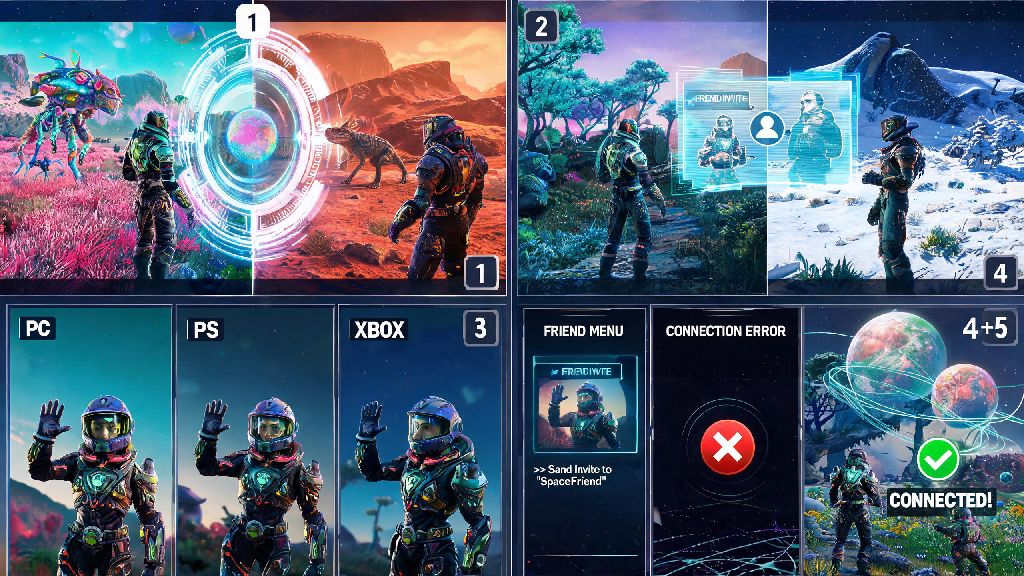
The vanilla, unmodded version of No Man’s Sky has two separate multiplayer limits, depending on what type of play you’re doing. For formal co-op parties where you want to sync progress, share resources, and complete missions together, the cap is 4 players in a dedicated co-op group. This limit applies across all platforms, including PC, PlayStation, Xbox, and Switch, and works with crossplay enabled by default so you can group with friends no matter what device they use to play.
For open, shared star system instances, the limit is 32 total players at once. These are random players who happen to be exploring the same system as you, attending a community event, or visiting a popular public base. You can interact with these players, trade items, and team up for short public events like pirate raids or sentinel battles, but you won’t share mission progress or get the same co-op benefits as you do with a formal 4-person party.
You can switch between party play and open instances at any time by adjusting your network settings, so you don’t have to commit to one playstyle for your whole session. If you’re hosting a party, you can also set your lobby to friends-only to prevent random players from joining your group mid-mission.
Differences Between Party Play and Open Instance Multiplayer
It’s easy to mix up these two multiplayer modes, but they serve very different purposes. Open instance multiplayer is designed for casual, low-stakes interactions with other members of the No Man’s Sky community, while formal party play is built for long-term co-op progression with people you know.
Sticking to a 4-person party comes with a long list of perks you won’t get playing in open instances:
I’ve tried running group Nexus missions with randoms from open instances before, and it’s almost always a mess. Half the group will rush to finish the objective and leave before everyone else gets credit, or people will wander off to explore instead of sticking to the mission. If you’re playing to progress with friends, always take 30 seconds to form a formal party first.
Can You Increase the Group Size Limit With Mods?
If you’re playing on PC and want to play with more than 4 people in your co-op group, or more than 32 people in a single instance, you can use custom community mods to raise these limits. Some popular server mods let you host lobbies with up to 128 players at once, which is perfect for large community events, build contests, or group exploration runs with a big friend group.
But there are a few big caveats to keep in mind before you download any mods to increase group size. First, every player who joins your modded lobby needs to have the exact same mods installed, otherwise you’ll run into constant sync errors, crashes, or missing assets. Second, modded lobbies don’t connect to official No Man’s Sky servers, so you won’t be able to earn limited-time expedition rewards or sync your progress to your cross-save account while you’re playing in a modded session.
Console and Switch players can’t use these group size mods at all, so you’ll be stuck with the official vanilla limits if you’re not playing on PC. Even if you are on PC, I don’t recommend pushing the group size past 16 players unless everyone in the lobby has a strong internet connection and a high-end PC. Larger lobbies put a ton of strain on both the host’s system and every player’s internet, so you’ll likely run into lag, rubberbanding, or frequent disconnects if you try to cram too many people into one instance.
Top Tips for Smooth No Man's Sky Group Play
Even if you’re sticking to the official 4-person party limit, there are a few easy tweaks you can make to avoid common multiplayer headaches. First, Set your network settings to "Friends Only" before forming a party if you don’t want random players popping into your system or trying to join your missions uninvited. You can always switch back to public later if you want to meet other players.
Assigning simple roles to your party members also cuts down on grind significantly. For example, one person can be in charge of scanning for rare resources, another can handle base building and infrastructure, a third can hunt for new fauna and discoveries to earn extra nanites, and the fourth can trade and run supply runs to earn units for the group. My friends and I used this setup during our last expedition run, and we finished the whole event in half the time it usually takes me to complete it solo.
Always sync your system location with your party before starting a mission to avoid getting separated when you warp. I can’t tell you how many times I’ve accidentally warped to a mission system alone because I forgot to click the “sync with party” button first, and had to spend 10 minutes jumping through multiple systems to meet back up with the group.
If you’re running into lag or performance issues in a busy 32-person instance, go to your graphics settings and turn off the “show other players” toggle. That will immediately reduce the load on your system and fix most frame rate drops in crowded community areas. Finally, Adjust base permissions ahead of time if you want your friends to be able to build on your base or take items from your storage. By default, only you can modify your base, so you’ll have to manually enable access for each party member if you want to collaborate on builds.
At the end of the day, how many people can play No Man's Sky together depends entirely on what platform you’re playing on and whether you’re willing to use mods. Vanilla players get a 4-person core co-op party and 32-person open instances, which is more than enough for most friend groups and casual community interactions. PC players who want to host larger events can push those limits much higher with mods, as long as they’re willing to put up with the extra setup and potential performance issues. No matter what size group you’re playing with, co-op completely changes the feel of No Man’s Sky, and it’s well worth taking the time to set up a party if you’ve only ever played solo before.