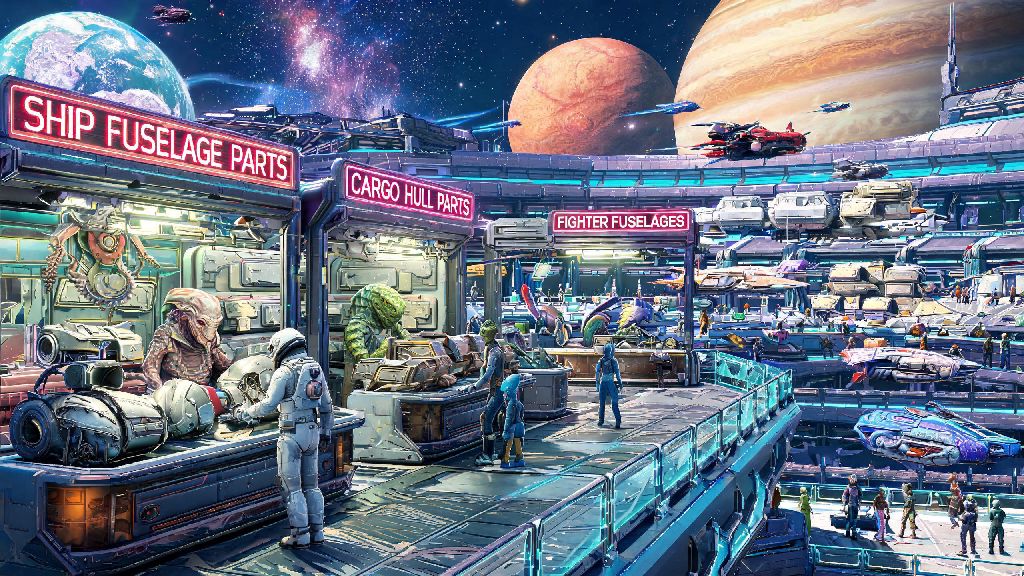
There’s nothing more frustrating than being 10 seconds away from mining a rare activated indium deposit, only for your mining multitool to run out of charge right as a group of sentinels spawns nearby. You know you have a fully upgraded combat multitool stashed in your collection, but fumbling through menus while you take fire wastes precious time. If you’ve ever paused mid-exploration wondering how do i switch multitools in no man's sky, you’re not alone. Even long-time players sometimes miss the simpler QoL features the game has added over years of updates, and multitool swapping is one of the handiest skills you can master to make every run smoother.
How Do I Switch Multitools in No Man’s Sky: Step-by-Step Methods
There are two primary ways to swap multitools, depending on whether you’re in a hurry mid-exploration or managing your full collection from a safe spot. Both methods work across all platforms, from PC to PlayStation, Xbox, and Switch, so you don’t have to learn separate controls for each device you play on.
The fastest method for on-the-go swaps is using the quick access menu, which lets you switch between your most used multitools in under a second. This works best for multitools you’ve already added to your quick slots, and it’s the method you’ll use 90% of the time when you’re out exploring planets or fighting pirates. The steps are simple:
- Press and hold the quick menu button (D-pad down on console, X on PC by default) to bring up the circular utility wheel
- Navigate to the multitool slot on the left side of the wheel using your joystick or mouse cursor
- Hover over the multitool you want to equip, then release the menu button to confirm the swap instantly
If the multitool you want to use isn’t showing up in your quick menu, you’ll need to use the inventory method instead. Open your main inventory screen, then tab over to the multitool section (the icon that looks like a multitool barrel, between the exosuit and ship tabs). You’ll see all the multitools you’ve added to your collection here – you can hold up to max 6 multitools at any time, so you don’t have to scrap your favorite old builds when you find a new one. Just select the multitool you want to equip, then click the “equip” button to swap it out. This method takes a few extra seconds, but it works for every multitool in your collection, even the ones you don’t use often.
Common Troubleshooting for Multitool Swap Issues
Even if you follow the steps perfectly, you might run into issues swapping multitools every now and then, especially right after a game update. Most of these problems have super simple fixes, so you don’t have to restart your game or reach out to support to get back to exploring.
The most common issue is that the multitool you’re looking for isn’t actually in your collection. When you find a new multitool at a space station, settlement, or crashed site, the default option when you interact with it is to replace your current multitool. To add it to your collection instead, you have to select “claim and keep current” when the prompt pops up. I made this mistake my first month playing, and I accidentally replaced my fully upgraded mining multitool with a random C-class one I found on a frozen planet. I was furious until I realized I could reload my last save to get it back, so always double check that prompt before you confirm a new multitool.
Another common issue is that your quick menu only shows 3 multitools max, no matter how many you have in your collection. That’s not a bug – it’s an intentional limit for the quick wheel. If you have more than 3 multitools, you’ll need to use the inventory method to swap the ones in your quick slots, or swap out less used multitools for the ones you reach for most often. Right after major updates, your quick menu slots might reset too, so take 30 seconds to re-add your favorite multitools after you install a patch to avoid mid-fight confusion.
Best Practices for Managing Your Multitool Collection
Once you know how to swap multitools easily, you can start building a collection of role-specific multitool builds that make every part of the game easier. You don’t have to waste time swapping upgrade modules between a single multitool anymore – you can have separate builds for every task you do regularly.
Most players stick to 3 core multitools for their quick slots: a mining build with all S-class mining upgrades and a terrain manipulator, a combat build with scatter blaster, pulse spitter, and shield upgrades, and a scanning build with full S-class scan upgrades that let you get extra units from every flora, fauna, and mineral you scan. That setup covers 99% of what you’ll do in the game, and you can swap between all three in under a second with the quick menu.
Don’t hoard low-tier multitools just because you think you might use them later. C-class and B-class multitools have lower overall upgrade limits than A-class and S-class ones, so they’ll never be as powerful even if you fill them with top-tier upgrades. If you have old low-tier multitools taking up slots in your collection, scrap them at a multitool terminal to get free upgrade modules and nanites you can use to improve your better builds. You only get 6 collection slots total, so make every one count.
Hidden Shortcuts for Faster Multitool Swaps
If you want to make multitool swapping even faster, there are a few little-known shortcuts most players never find, even after hundreds of hours of playtime. These are totally allowed by the game’s rules, no mods or exploits required, so you can use them without worrying about getting banned or breaking your save.
For PC players, you can set up a custom keybind setup to swap between your last two used multitools with a single press. Just go to the controls menu, scroll down to the “multitool” section, and assign a key to the “swap to previous multitool” option. I have mine bound to one of my mouse side buttons, and it’s a game-changer when I’m mining and sentinels spawn – I just click the button once to swap to my combat build, no menu needed.
Console players get a similar shortcut too: double tap the quick menu button to swap instantly to your last used multitool. That’s perfect if you only toggle between two multitools most of the time, like a mining and combat build. You don’t even have to open the full wheel to make the swap. If you’re near a multitool terminal at a space station or settlement, you can also swap multitools directly from the terminal without opening your inventory, which saves time when you’re modifying your collection or upgrading a new build.
Swapping multitools seems like a tiny, insignificant skill at first, but it makes a huge difference in how smooth your gameplay feels. You won’t have to waste time fumbling through menus mid-fight or miss out on rare resource deposits because you can’t swap to your mining build fast enough. Whether you’re a new player still learning the basics or a veteran grinding for S-class gear, knowing how do i switch multitools in no man's sky will save you hours of frustration and let you focus on what the game does best: exploring the infinite, weird, wonderful universe Hello Games built.