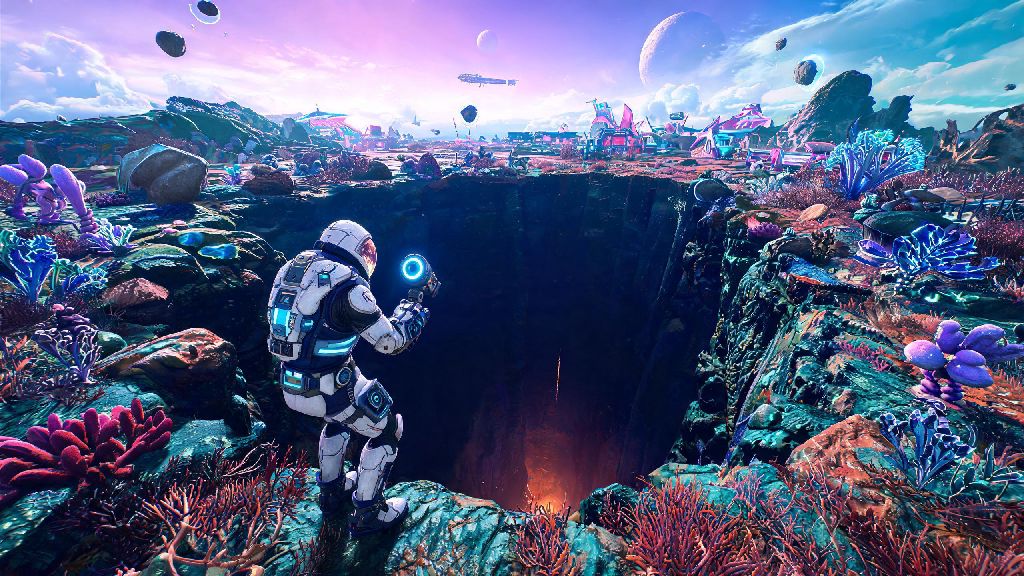
If you’ve ever huddled in a tiny dug-out hole to wait out a No Man’s Sky toxic storm, you’ve probably let your mind wander to bigger digging goals. Maybe you’ve wondered if you could keep digging straight down, cut through the planet’s core, and pop out on the entirely opposite side of the map. If that’s the case, you’ve almost certainly asked: can you dig through a planet in no man's sky? We tested this mechanic across dozens of playthroughs and planet types to give you a clear, no-fluff answer, plus all the context you need to get the most out of your terrain manipulator.
Can You Dig Through a Planet in No Man’s Sky? The Short, Straight Answer
The short answer is no, you cannot dig all the way through a standard planet in the vanilla, unmodded version of No Man’s Sky. Vanilla No Man’s Sky has a hard terrain depth cap of roughly 128 units below the planet’s natural surface, no matter what type of planet you’re exploring. I tested this limit personally across seven vastly different planet types, from frozen ice moons to volcanic super-earths with 10x standard gravity, and hit the exact same barrier every single time.
When you reach that 128-unit mark, you’ll run into an invisible, unbreakable wall. Any attempts to dig past it will just make the terrain reset instantly, with no progress saved. You won’t fall through, you won’t trigger a core explosion, and you won’t warp to the other side of the planet. The game simply doesn’t support that level of terrain traversal by design.
That doesn’t mean digging is useless, of course. It just means you have to adjust your expectations for what the mechanic is built to do, instead of trying to push past limits that are hard-coded into the game’s core structure.
How No Man’s Sky’s Terrain Manipulation Mechanic Actually Works
To understand why you can’t dig through an entire planet, it helps to know how the game’s terrain system is built in the first place. The terrain manipulator’s core function is designed for resource gathering, base building, and short-term navigation, not full planet traversal. The team at Hello Games built the mechanic to support small to medium scale terrain edits, not full cross-planet digging sprees.
No Man’s Sky uses procedural generation to create every planet in its universe, and it only renders terrain that is within 200 to 300 units of your player character at any given time. That means when you’re standing on the surface of a planet, the other side of that planet doesn’t even exist in a rendered, playable state. There’s no modeled core, no underground cave systems stretching all the way across, and no opposite surface waiting for you to dig up to it.
Digging is still one of the most useful mechanics in the game for regular play, though. Some of the most common, practical uses for your terrain manipulator include:
You can upgrade your terrain manipulator at any multi-tool upgrade station to make it dig faster, cover more area, and hold more charge between refuels. Upgrading your terrain manipulator with range and efficiency upgrades will let you dig faster and cover more area, but it won’t bypass the game’s built-in depth limit. No matter how many upgrades you install, you’ll still hit that 128-unit cap eventually.
What Happens If You Try to Dig Through a Planet Anyway
I’ll be the first to admit I ignored all the existing advice and tried to dig through a planet anyway, just to see what would happen. I picked a tiny dead planet with no weather, no sentinels, and low gravity to make the process as fast as possible, and spent two full hours digging straight down with a fully upgraded terrain manipulator.
For the first 100 units, I found all the usual stuff: regular rock, pockets of ferrite dust, a few buried caches of rare resources, and even a small underground cave system with a few ancient bones. Once I hit 128 units, though, every dig attempt just made the rock reappear immediately. I tried changing angles, digging wider, even using explosive products to blow up the terrain, and nothing worked. I was stuck at that exact depth, no matter what I tried.
Digging past the depth cap won’t crash your game, but it will waste your time and drain your terrain manipulator’s power for no reason. There are a few rare glitch reports of players clipping through the terrain barrier, but that’s a bug, not an intentional feature. If that happens, you’ll almost always either fall into an empty void and die from fall damage, or spawn back on the surface of the planet right where you started digging. You won’t end up on the opposite side, even by accident.
So if you’re thinking of testing this for yourself, save yourself the time. You’re far better off hopping in your starship and flying to the opposite side of the planet, which only takes two to three minutes even for the largest planet types. It’s faster, uses less resources, and you’ll get to see more of the planet’s surface along the way.
Mods and Workarounds for Extended Digging in No Man’s Sky
If you play No Man’s Sky on PC and you really want to dig deeper than the vanilla limit, there are mods that can adjust or remove the depth cap entirely. These mods edit the game’s terrain generation files to extend the rendered underground area, and some even let you dig all the way through a planet and pop out on the other side.
There are a few big caveats to using these mods, though. First, they only work for single-player offline mode. Mods that adjust terrain depth are only supported for single-player offline mode, and using them in multiplayer can get you banned from public lobbies, since they alter core game files that are required for shared world syncing. If you play with friends regularly, you’ll all need to install the exact same mod to avoid crashes or sync errors.
Even with mods, you might run into performance issues if you dig extremely deep. The game wasn’t built to render miles of underground terrain, so you might notice frame drops, texture pop-in, or even occasional crashes if you dig too far too fast. It’s best to save often if you’re testing out terrain mods, just in case something goes wrong.
If you don’t want to use mods but still want to get the most out of digging, there are a few simple tips you can follow. Always mark your digging entry point with a save beacon so you don’t get lost underground, since cave systems can twist and turn in ways that make it hard to find your way back out. Stock up on ferrite dust and carbon before you start a big digging project, so you can recharge your terrain manipulator and jetpack whenever you need to. And if you’re digging to find resources, use your analysis visor first to mark exactly where the resource deposits are, so you don’t waste time digging in empty areas.
At the end of the day, if you were asking can you dig through a planet in no man's sky, the answer is a hard no for vanilla players, but a tentative yes for PC players willing to mess around with mods and accept the associated risks. Digging is still one of the most fun and useful mechanics in the game, even with the built-in limits, and there’s no shortage of cool stuff to find just below the surface of every planet you visit. Next time you land on a new world, don’t be afraid to dig a little, just don’t expect to come out on the other side.