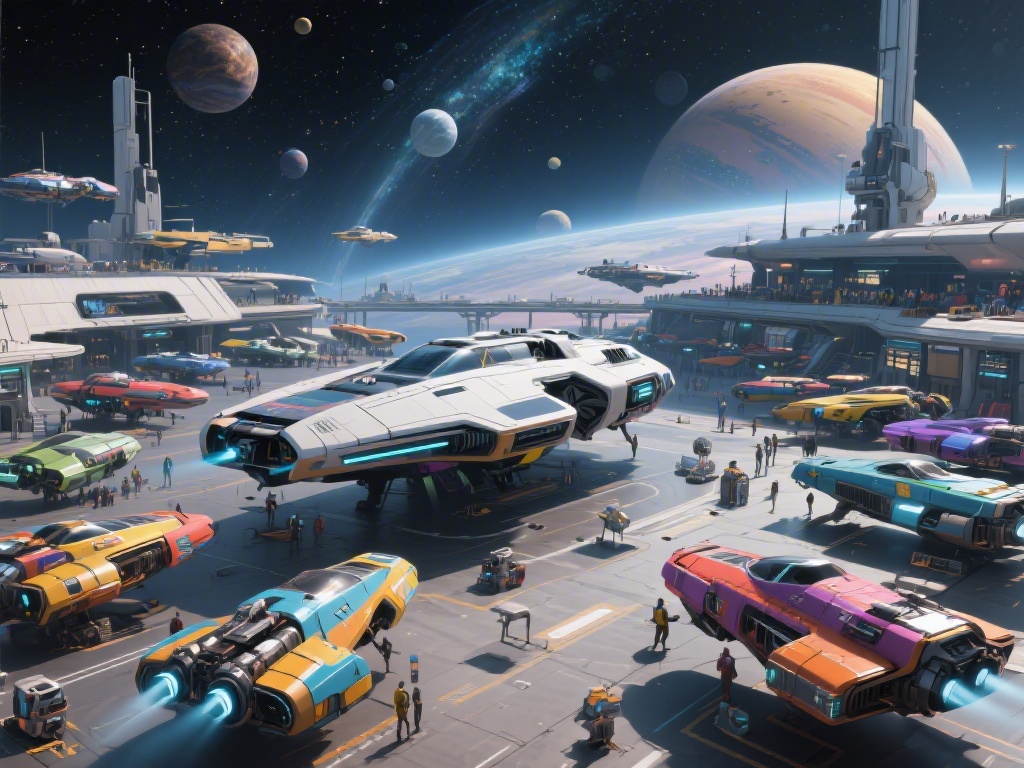
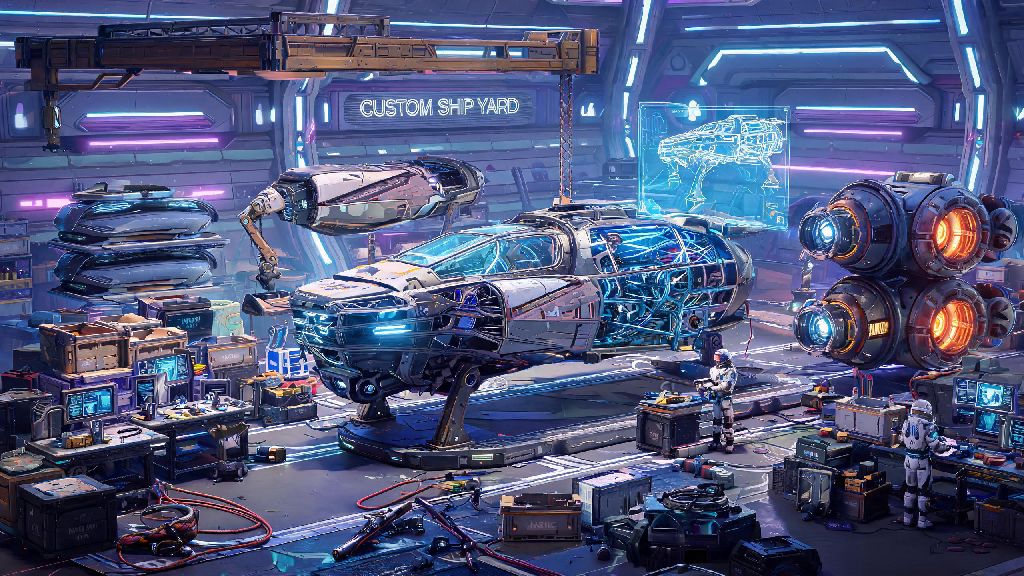
When I first spawned into No Man’s Sky 320 hours ago, my starter ship was a dented, rust-brown hauler that could barely make a 100-light-year jump without running out of fuel. I spent my first 10 hours grinding units just to replace it, but it wasn’t until I figured out how to customize ship no man's sky that the game really started to feel like my own. Customization isn’t just about making your ship look cool, either. The right tweaks can cut down on travel time, make combat easier, and even let you carry twice as much loot between planets. This guide breaks down everything you need to know, from in-game free options to modded upgrades for PC players.
How to Customize Ship No Man’s Sky: Core In-Game Customization Options First
You don’t need mods or rare resources to start customizing your ship right away. The base game has a full suite of free customization tools available at every major space station, and on your personal freighter once you unlock one. All you have to do is walk up to the ship customization terminal near the ship trade merchant, interact with it, and select the ship you want to edit from your owned fleet. All in-game ship customization is free once you own the ship, so you can test out different looks as many times as you want with no cost.
The base tool lets you change three core parts of your ship. First, you can adjust the paint scheme for every individual section of the hull, from the main body to the wing tips and cockpit glass. You start with a small set of basic colors, and unlock new metallic, matte, and neon shades as you complete exploration milestones and find color archives on planets. Second, you can add pre-made decals to your hull, including faction logos, alien symbols, and fun designs like cats or space dinosaurs. Third, you can swap out small attachable parts like winglets, antennae, and cargo pod covers, as long as they are compatible with your ship’s core hull type.
One thing to note here: you can’t change the core shape of your ship with base game tools. If you have a small fighter, you can’t turn it into a massive hauler, no matter how many parts you swap. If you want a different hull type, you’ll need to purchase or claim a new ship first before customizing it to your taste.
Top Performance-Focused Customization Tweaks for Your Ship
Customization isn’t just about looks. The way you arrange your ship’s tech and cargo slots is just as important as its paint job, especially if you’re trying to tackle long exploration runs or high-level pirate combat. You can edit your ship’s layout any time by opening your inventory while standing near your ship, selecting the ship tab, and dragging tech modules between slots. Adjacent matching upgrades give 30% extra stat boosts, so grouping all your hyperdrive upgrades next to each other will give you a way bigger range boost than scattering them across your inventory.
The best upgrades to prioritize will depend entirely on how you prefer to play the game. Here’s a quick breakdown of what to focus on for the most common playstyles:
- Exploration players: Prioritize hyperdrive range upgrades, pulse engine efficiency, and hazard protection modules first to cut down on travel time and survive trips to extreme planets
- Combat players: Add phase beam damage upgrades, shield boosters, and cloaking devices to your core loadout to take down pirate fleets and Sentinel capital ships easily
- Trading players: Max out cargo slots first, then add trade rocket and quick transfer modules to cut down on time spent hauling goods between systems
You can unlock extra tech and cargo slots for your ship in a few different ways. You can buy slot expansions directly from ship customization merchants for increasing amounts of nanites, or you can scrap unwanted ships you find to get free upgrade modules and slot expansion tokens. If you’re on a budget, crashing damaged ships you find on planet surfaces is a great way to get free upgrades without spending any units.
Using Mods to Expand Ship Customization Options (PC Only)
If you play on PC and want to go beyond the base game’s customization limits, there are hundreds of fan-made mods that let you tweak almost every part of your ship. Console players can’t access these mods, unfortunately, since Hello Games doesn’t support external modding on PlayStation or Xbox. Most ship customization mods are purely cosmetic, so they won’t break your game progression or get you banned from multiplayer servers, as long as you only use them in single player or on modded private servers.
Popular mod options include custom paint packs that add thousands of new color and texture options, hull swap mods that let you mix and match parts from different ship types, and even custom ship import mods that let you add ships from other sci-fi franchises like Star Wars or Star Trek to your fleet. Always back up your save file before installing any ship customization mods, since game updates can break older mods and cause you to lose progress if you don’t have a backup. Modded ship customization never affects core game progression unless you specifically install a cheat mod, so you don’t have to worry about ruining the game’s difficulty if you only use cosmetic mods.
One important thing to remember with modded ships: other players won’t see your custom designs unless they have the exact same mods installed. If you join a vanilla public multiplayer server, other players will just see the original base game version of your ship, not your modded custom design. If you want to show off your modded ships to friends, you’ll all need to install the same mods and play on a private server together.
Common Ship Customization Mistakes to Avoid
After customizing dozens of ships over hundreds of hours of play, I’ve made almost every mistake in the book, and these are the ones I see new players make all the time. First, don’t waste rare S-class upgrade modules on ships you don’t plan to keep long term. It can be tempting to pimp out every cool ship you find, but S-class modules are hard to come by, and you can’t recover them once you scrap or sell a ship. Only invest upgrade resources into ships you intend to use for at least 20+ hours of gameplay to avoid wasting hard-earned nanites.
Second, don’t ignore adjacency bonuses for tech modules. I see so many new players stuff upgrades into any empty slot, and they miss out on up to 60% extra stat boosts from grouping matching upgrades together. Even if you only have B-class modules, grouping them will give you better performance than scattered S-class modules. You can rearrange modules any time for free, so take two minutes to adjust your layout every time you add a new upgrade.
Third, don’t install too many conflicting mods at once. If you install 10 different ship customization mods at the same time, there’s a high chance they will conflict with each other and cause your game to crash, or make your ship disappear entirely. Test one mod at a time, and check the mod page for known conflicts before you install it. If a mod hasn’t been updated in over 6 months, it’s probably not compatible with the latest version of the game, so skip it unless you’re prepared to troubleshoot.
At the end of the day, the best part of learning how to customize ship no man's sky is that there’s no right or wrong way to do it. You can make a bright pink fighter covered in cat decals that can jump 2,000 light years in one go, or a sleek black hauler that blends in with deep space and carries 100 units of trade goods. Play around with different options, test out weird paint schemes, and adjust your upgrades as your playstyle changes. My current main ship is a goofy neon green explorer with rainbow engine trails, and it makes every trip across the galaxy feel a little more fun.