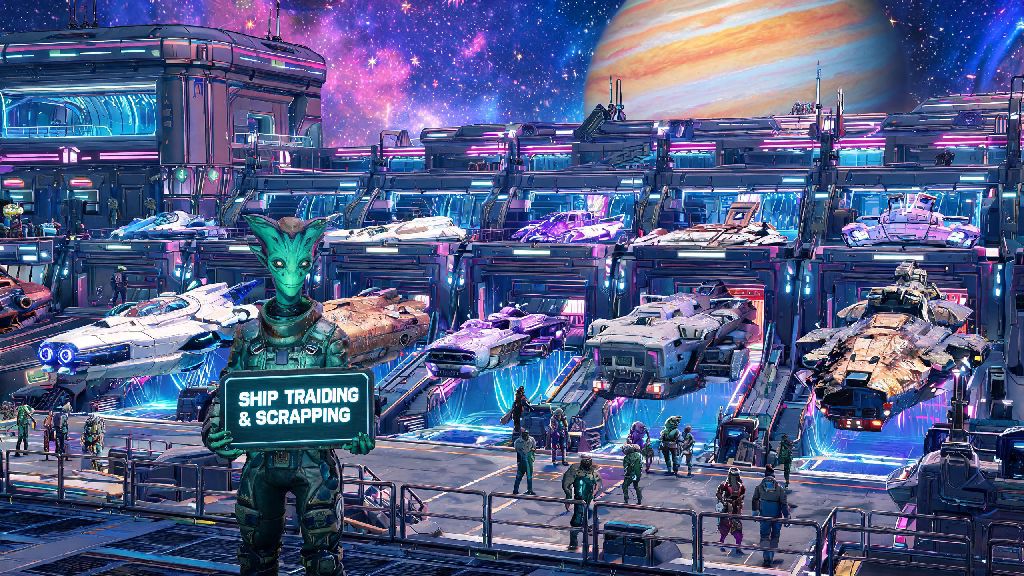
If you’ve spent any time exploring No Man’s Sky’s infinite galaxies, you’ve definitely stumbled across a better, faster, more powerful ship that makes your current ride feel like a beat-up space tuk-tuk. But before you drop your hard-earned units on that fancy new hauler or fighter, you probably want to figure out how to sell a ship in No Man’s Sky to recoup some of your costs, right? I’ve wasted hours fumbling through ship menus early on, accidentally deleting upgrades and losing thousands of units by making the wrong trade, so I put together this guide to help you avoid those same mistakes.
What You Need to Know Before You Learn How to Sell a Ship in No Man’s Sky
First off, let’s clear up a super common misconception: you can’t technically sell a ship for raw units directly in the game. Instead, you trade it in as partial credit when you purchase a new ship, or you can scrap it for resources and units at a space station. I know, it’s a weird quirk of the game’s economy, but once you get the hang of both systems, you can easily turn unused ships in your fleet into serious value.
Before you move forward with either option, make sure you have these three boxes checked:
Skip any of these steps, and you’ll either be stuck unable to complete the transaction, or you’ll lose rare upgrades and cargo that you could have moved to your new ship first. I learned that the hard way when I scrapped a ship with a fully upgraded S-class hyperdrive still installed once—don’t be me. Always double-check your cargo hold and upgrade slots before finalizing any ship trade or scrap.
How to Trade In Your Ship for Maximum Unit Credit
Trading in your ship is the best option if you’re already planning to buy a new vessel, because you’ll get the highest possible value for your old ship this way. If you’re still learning how to sell a ship in No Man’s Sky, trading in is the easiest method to start with, since it follows the same flow as buying any other ship in the game. The trade-in value is calculated based on your ship’s class, number of slots, installed upgrades, and overall condition. To get the best possible credit, make sure you install any cheap, high-value upgrades on the ship before you trade it in—small upgrades like better shield generators or pulse engine boosters can bump up the trade value by 10-15% for very little cost.
S-class ships will always have the highest trade-in value, even if they have fewer slots than a lower-class ship of the same type. Don’t write off a 28-slot S-class fighter for a 34-slot B-class one, because the S-class will hold its value far better, and perform better even with fewer upgrade slots.
You can trade in any ship in your current fleet, not just the one you’re flying when you find the new ship. Just open the ship select menu when you’re prompted to confirm the purchase, and pick the one you want to trade in from the list. That’s super handy if you have a random hauler sitting in your fleet that you never use, and you want to put its value toward a new fighter. Don’t trade in ships with rare, irreplaceable upgrades—move those to another ship first before you confirm the trade.
How to Scrap a Ship for Resources and Quick Units
If you don’t want to buy a new ship right now, but you have extra ships cluttering up your fleet, scrapping is the way to go. You can scrap any ship in your fleet at any space station’s ship upgrade terminal, located right next to the ship customization station near the landing pads. When you scrap a ship, you’ll get a mix of units, upgrade modules, and crafting resources based on the ship’s class and slots.
Scrapping is often a better choice if you need resources more than you need a new ship right now. For example, scrapping an S-class hauler can give you dozens of chromatic metal and ferrite dust (two of the most useful crafting resources in the game) plus a handful of random upgrade modules you can install on other ships or sell for extra units.
I usually scrap any C or B class ships I pick up randomly while exploring, because their trade-in value is low, but the resources I get from scrapping let me upgrade my main ships way faster than saving up units for new upgrades would. I only keep A or S class ships to either use myself or trade in for higher-value vessels later. You can scrap crashed ships you repair too, even if you only fixed the launch thrusters and pulse drive to get it to the space station. That’s a great way to make quick units early in the game, since crashed ships are free to claim if you can repair them enough to fly to a station.
Common Mistakes to Avoid When Selling or Trading Ships
Even if you follow all the steps we’ve covered, it’s easy to make small mistakes that cost you a lot of time or resources. I’ve made almost all of these at least once, so I can tell you exactly what to watch out for.
First, never leave any cargo on the ship you’re trading or scrapping. The game doesn’t warn you if you have items in the hold, and you’ll lose everything stored there the second you confirm the transaction. I once lost 5000 units worth of activated indium this way, and I still haven’t gotten over it.
Second, don’t trade in a higher class ship for a lower class one just because it has more slots. A 30-slot S-class fighter will always perform better than a 38-slot C-class fighter, even with the same upgrades installed. It’s worth waiting to find a higher class ship with the slot count you want, instead of settling for a lower class one just because it’s available right now.
If you have a ship that’s worth more than 1 million units in trade-in credit, don’t scrap it unless you really need the resources right away. You’ll almost always get more overall value by saving it to trade in for a new ship later, instead of taking the smaller scrap payout. Keep a list of the trade values of all ships in your fleet so you can quickly decide which ones to scrap and which ones to save for trades.
At the end of the day, figuring out how to sell a ship in No Man’s Sky is way simpler than it seems once you know the difference between trading in and scrapping, and what mistakes to avoid. Whether you’re clearing out extra ships to make room for a new exotic, or you just want to get extra units and resources to upgrade your main fleet, both systems work really well once you get the hang of them. Don’t be afraid to experiment with both to see what fits your playstyle, and always double-check your cargo before you hit confirm.