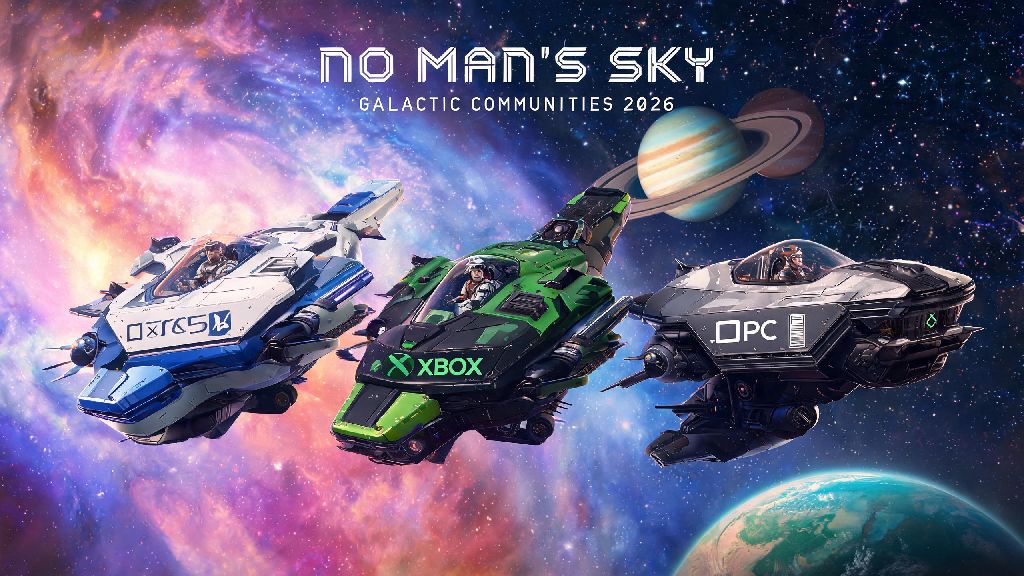
2026 has been one of the best years for No Man’s Sky players yet, with the massive Galactic Communities overhaul adding dozens of new multiplayer features that make exploring the universe with friends way more seamless. I’ve put over 120 hours into coop sessions this year, playing with friends on PS5, Xbox Series X, and PC, so I’ve worked through all the kinks that new players usually run into. If you’re looking for how to play coop No Man’s Sky without the headache of broken connections or missing progress, this guide covers every step you need to know for all platforms.
Pre-Requisites to Play Coop No Man’s Sky in 2026
Before you jump into a session with friends, there are a few small boxes you need to tick first, most of which are new to the 2026 game build. The old requirement to finish the first three hours of the Awakenings story mission is gone, so you can unlock multiplayer as soon as you fix your ship’s launch thrusters and leave your starting planet. That cuts down the wait time to play with friends drastically for new players.
You don’t need a paid subscription for cross-play on PC, but console players will need their platform’s standard online access to join sessions. You don’t have to pay extra for any No Man’s Sky specific multiplayer features, all coop content is free for anyone who owns the base game.
If you’re running a modded version of the game, only players with the exact same mod list and load order can join your session. Even small quality of life mods can cause connection failures if one player has them installed and another doesn’t. If you want to play with friends across different platforms, it’s usually easiest to stick to the vanilla, unmodded version of the game.
Step-by-Step to Join or Host a Coop Session in 2026
The 2026 overhaul simplified the multiplayer menu a lot, so you don’t have to dig through three separate tabs to find the join button anymore. If you’re hosting a session, just open the pause menu, select the Network tab, and toggle your session privacy to Friends Only or Public. You can also set a password if you only want specific people to join, even if they’re not on your friends list.
If you’re joining a friend’s session, head to the Social tab in the pause menu. You’ll need to link a free Hello Games account to add friends from other platforms for cross-play. Once your account is linked, you can search for your friend’s Hello Games display name, send them a request, and join their session directly from their profile once they accept.
You can confirm the latest patch version in the game’s settings menu, or cross-check with the official 2026 multiplayer patch notes on Hello Games’ site if you’re not sure. If you run into connection issues right off the bat, run through this quick checklist first before troubleshooting further:
If you don’t have friends who play No Man’s Sky, you can also join public sessions through the Space Anomaly. Just interact with the multiplayer terminal near the entrance of the Anomaly, and you can join random groups of players running expeditions, hunting pirates, or exploring new systems.
Fun Coop Activities to Try With Your Group in 2026
Once you’re connected to a session, there’s no shortage of things to do with your group, especially with the new 2026 multiplayer features. The most popular activity right now is shared base building, since the update added cross-player base permissions that let you decide who can edit, build, or take items from your base.
Shared base storage is now fully cross-player in 2026, so any items you deposit in a shared container can be accessed by every member of your coop group. That makes it way easier to split resource farming for large builds, instead of everyone having to carry their own stack of ferrite dust and carbon. My group recently built a massive floating base above a water planet, and we cut our build time in half by assigning different people to farm specific materials.
The new weekly coop expeditions added in 2026 are another great way to spend time with your group. These 4-player exclusive missions give you rewards you can’t get anywhere else, like the Neon Explorer ship skin, custom base decorations, and rare multi-tool upgrades. The missions are balanced for groups, so you won’t be able to complete them solo, which makes the rewards feel extra satisfying.
You can also team up to take down capital pirate freighters, explore uncharted planets, or race exocrafts across custom tracks your group builds. There’s no right or wrong way to play coop, so you can tailor your sessions to whatever your group enjoys most.
Common Coop Issues and Fixes for 2026 Builds
Even with the 2026 overhaul, there are still a few small issues that pop up from time to time, most of which have easy fixes. The most common issue is connection timeouts when trying to join a friend’s session. If this happens, try restarting your router first, then use the new in-game port forwarding tool in the Network settings to open the ports NMS uses for P2P connections.
Another common issue is desync when building large base pieces. If you notice your friend’s edits aren’t showing up, or pieces are disappearing, have the session host place the largest base pieces first. The host’s game is the one running the session, so their edits take priority and will sync to all other players almost instantly.
If items disappear from shared storage, don’t panic right away. There’s a small glitch in the current 2026 build that occasionally sends shared items to the session host’s personal inventory. Ask the host to check their inventory first, and most of the time you’ll find the missing items there. Hello Games has already announced they’re releasing a fix for this glitch in the next minor patch.
Never join public coop sessions with irreplaceable items in your personal inventory, as rare cases of griefing still occur even with 2026’s improved anti-grief tools. If you join a public session, stick to the Space Anomaly or shared public planets until you trust the other players, and avoid bringing rare ships, multi-tools, or limited-time event items with you.
At the end of the day, learning how to play coop No Man’s Sky opens up a whole new side of the game that you just can’t get from solo play. The 2026 updates have fixed almost all of the clunky multiplayer issues that plagued earlier builds, so you can spend less time troubleshooting connections and more time exploring uncharted planets, building massive shared bases, or taking down pirate fleets with your friends. If you run into any issues we didn’t cover, drop a comment below and we’ll help you work through it.