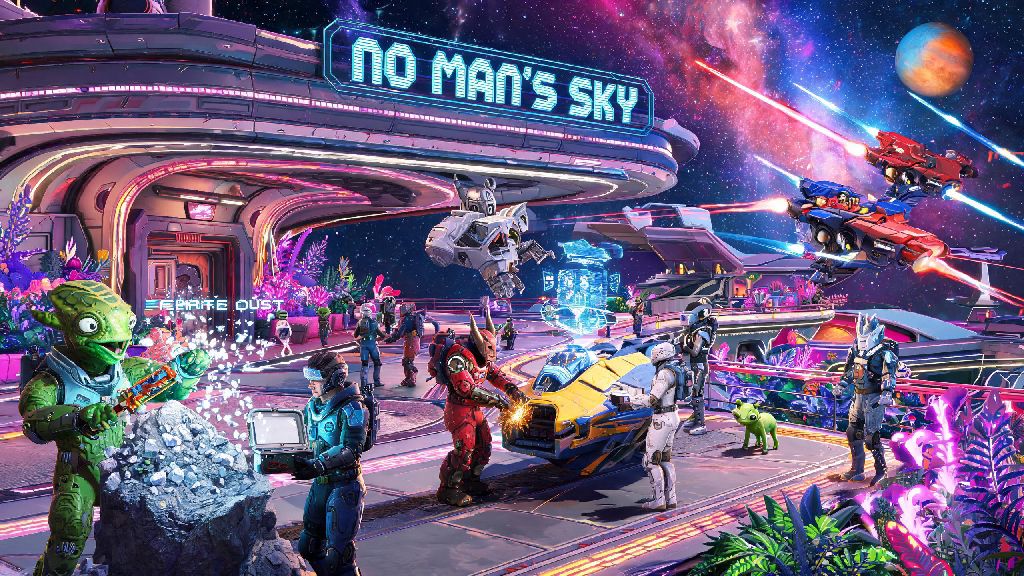
If you’ve spent hours wandering alien planets alone, scavenging for ferrite dust and dodging aggressive sentinels, you’ve probably wondered how to join friends in No Man’s Sky to turn your solo adventure into a shared journey. I’ve been there too: I spent my first 20 hours of playtime convinced multiplayer was broken, because I kept getting stuck on loading screens every time I tried to accept a friend’s invite. It turns out I was missing a few small, easy-to-miss steps that make all the difference. This guide walks you through every part of the process, from linking your accounts to fixing common glitches, so you can team up with pals no matter what platform you play on.
Key Prep Steps to Complete Before Trying to Join Friends
Before you even open your friends list, there are three small checks you need to run to avoid unnecessary headaches. These steps take less than a minute each, but skipping them is the number one reason people run into connection issues. I once skipped this step when I was in a hurry to play with my cousin, and I spent 20 minutes refreshing my friends list before I realized I had crossplay turned off by accident. Don’t make that same mistake.
First, Enable crossplay in your game settings first if you’re playing with people on different platforms. Crossplay is turned on by default for most new installs, but if you’ve tweaked your network settings in the past, you might have turned it off without realizing. You can find this toggle in the Network tab of your options menu.
Second, Make sure all players are on the same game build. No Man’s Sky gets regular free updates, and if one of you hasn’t installed the latest patch, you won’t be able to connect to each other’s sessions. This is extra common for players who have auto-updates turned off on their console or PC.
Third, Link your platform account to your Hello Games account. You only have to do this once, and it lets you add friends across platforms without relying on platform-specific friend lists. You can find the link prompt in the same Network tab where you checked crossplay settings.
How to Join Friends in No Man’s Sky: Platform-Specific Steps
Once you’ve completed the prep steps, the actual joining process is nearly identical across all platforms, whether you’re playing on Steam, Xbox, PlayStation, Switch, or PC Game Pass. The only difference is how you add friends if you’re playing cross-platform: for same-platform friends, you can use your existing platform friend list, and for cross-platform friends, you’ll need to swap Hello Games friend codes first.
Follow these universal steps to connect to a friend’s session:
That means if your friend is playing on PlayStation and you’re on PC, you don’t have to jump through a bunch of hoops to connect, as long as you’ve added each other via Hello Games friend codes. For example, my main group has players on Xbox, Switch, and Steam, and we’ve never had issues connecting once we swapped codes ahead of time.
One important note: you won’t be able to join a friend’s session if they’re currently in a story-specific instanced area, like the opening tutorial or a major story mission. Wait until they’re back in the open world, or ask them to join your session instead if you’re in a hurry to play together.
Fixes for Common Issues When Joining Friends in No Man’s Sky
Even if you follow all the steps perfectly, you might run into the occasional connection error. Most of these issues have simple fixes that take less than two minutes to implement, so you don’t have to give up and go back to solo play. I’ve tested all of these fixes personally after running into every possible error while playing with my mixed-platform group.
The “Failed to connect to session” error is almost always caused by a strict NAT type on one player’s internet connection. You can fix this by opening port 3074 on your router, switching to a wired internet connection instead of Wi-Fi, or enabling UPnP in your router settings. If you’re playing on a public Wi-Fi network like a dorm or coffee shop, you might not be able to adjust these settings, so you’ll have to switch to a private network instead.
If you’re dealing with Invites not showing up, stop relying on system-level notifications and check your in-game friends list directly. Console notification settings often block game invites by default, especially if you’re running another app in the background. You’ll see all pending invites in the Friends tab of the Network menu, even if you didn’t get a pop-up for them.
A Loading screen loop when joining is almost always caused by mismatched mods or custom content. If one player has mods installed and the other doesn’t, the game will get stuck trying to load assets that don’t exist for everyone. If you want to play with mods, make sure every player in the group has the exact same mods installed before you try to connect. But if none of these fixes work, try restarting both your game and your router – that sounds like a generic tech support tip, but it fixes 90% of random connection issues I’ve run into over the years.
Fun Things to Do Once You’ve Joined Your Friends’ Session
Once you’re connected to your friend’s session, the entire galaxy is open for you to explore together, and there are tons of activities that are way more fun with a group than solo. I’ve spent hundreds of hours playing No Man’s Sky with friends, and these are the activities we keep coming back to every time we log on together.
Build a shared base together on a paradise planet with no storms and friendly sentinels. You can adjust building permissions in the Network menu to let all your friends add to the base, so you can build everything from a small farming outpost to a massive multi-level space station together. Just make sure to turn off damage to player bases if you don’t want anyone accidentally deleting your hard work.
Take on pirate fleets as a team for huge rewards. Space combat is way easier with multiple players, and you get way more units and rare upgrade materials when you take down capital pirate ships as a group. You can even split up to attack different parts of the fleet at the same time, so you can take down ships faster before they have a chance to escape.
Complete expedition milestones faster with a group. Most expedition challenges count for every player in the same session, so you can knock out 10+ milestones in a single play session instead of grinding alone for days. My group once finished an entire expedition in three hours by splitting up tasks to cover more ground at once.
So don’t just stick to mining and building once you join up – you can also race exocrafts across desert planets, hunt for rare exotic creatures, or even host a base warming party for your group if you want to get silly. The game doesn’t limit what you can do in multiplayer, so you can make your own fun wherever you go.
At the end of the day, half the fun of No Man’s Sky is getting to share the weird, wonderful worlds you find with people you care about. Now that you know how to join friends in No Man’s Sky, you don’t have to face hostile sentinels, stormy planets, or endless space pirates alone. Don’t get discouraged if you run into connection issues the first few times – most fixes take less than two minutes, and the payoff of exploring the galaxy together is more than worth the small hassle. Next time you log on, send an invite to a friend, and see what weird discoveries you can make together.