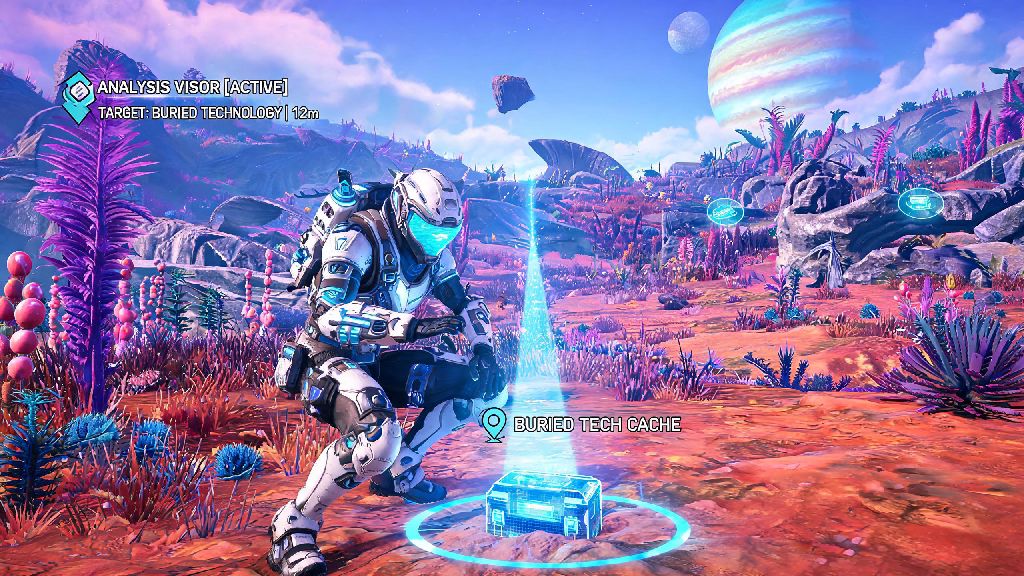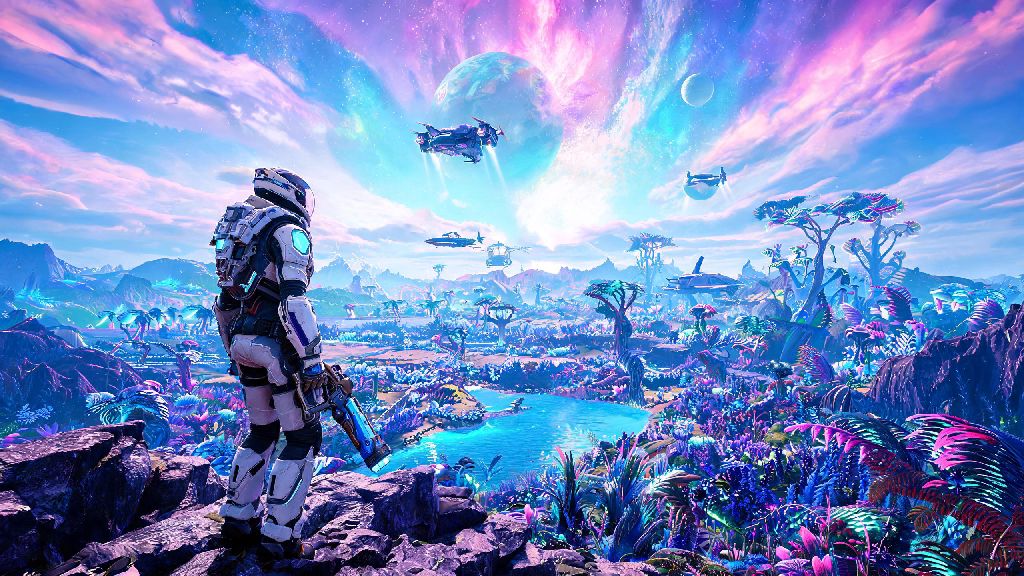
If you’ve spent hours roaming procedurally generated planets in 2026’s latest No Man’s Sky Aquarius update, you’ve probably wondered how to go third person in No Man's Sky to get a better look at your custom character, your hard-earned starship, or the sprawling alien landscapes around you. I’ve been playing the game off and on since launch, and I still switch to third person constantly when I’m showing off a new multi-tool or trying to navigate tight cave systems without missing hidden treasures. This guide covers every way to swap views across all platforms, plus hidden settings you can tweak to make the mode work exactly how you want it to.
How to Go Third Person in No Man’s Sky: Vanilla Controls for All 2026 Platforms
The 2026 update didn’t change core camera toggle controls, but it did add a quick-access toggle to the in-game quick menu for faster swaps when you’re in the middle of combat or exploration. Controls vary slightly by platform, and you can remap all of them in the settings menu if the default binds clash with your preferred playstyle.
PC (Keyboard and Mouse): Press the V key by default to cycle between first person, third person on foot, and over-the-shoulder third person views. I remapped mine to the side button of my mouse to make swapping even faster when I’m switching between exploring and fighting sentinels.
PlayStation 5: Press down on the D-pad twice quickly to toggle third person, or hold the Options button and select Camera Toggle from the quick menu if you don’t want to fumble with D-pad inputs mid-flight.
Xbox Series X/S: The default bind is the same as PS5: press down on the D-pad twice, or hold the Menu button to pull up the quick camera swap option without pausing your game.
Nintendo Switch: Press the minus button twice to swap views, or hold it to open the quick menu for more camera customization options while you’re on the go. The same controls work whether you’re on foot, in an exocraft, or piloting a starship, though the third person camera will pull back further to fit your full vehicle in the frame.
Hidden 2026 Camera Settings to Improve Your Third Person Experience
A lot of players skip over the camera customization tab in the settings menu, but the 2026 update added over a dozen new tweaks to make third person view feel more natural and functional. I spent an hour testing these settings last month, and these are the changes that made the biggest difference for my playthrough:
Third person field of view (FOV): You can adjust this from 60 to 110 in the Display menu. Cranking it up to 90 gives you a wider view of your surroundings without making your character look tiny, which is perfect for spotting hidden resources or aggressive fauna behind you.
Camera follow smoothing: Turning this up to 70% stops the camera from jittering when you’re running over rough terrain or flying through asteroid fields. I used to leave this off until last year, and I can’t believe how much less motion sickness I get now that it’s turned on.
Hide HUD in third person: If you’re taking screenshots for the community hub or your social media, you can toggle this on in the Gameplay menu to get clean, unobstructed shots of your character against alien backdrops.
If you run into common issues with third person view, these quick fixes will solve 90% of problems:
When to Use Third Person vs First Person for Better Gameplay
A lot of players stick to one view for everything, but swapping between them can make your playthrough way smoother and more enjoyable. I swap between views dozens of times per play session, and these are the rules I follow to get the most out of both:
Use third person when you’re exploring on foot: It lets you see resources and threats behind you, like aggressive fauna or hidden deposit nodes, that you’d miss in first person. I always swap to third person when I’m hunting for ancient artifacts, because it’s easier to spot the faint glow of ruin entrances through tall grass.
Stick to first person for combat and scanning: First person gives you a more precise aim for your multi-tool, and the scanning reticle is more accurate when you’re trying to tag rare creatures or mineral deposits for your discovery log. I’ve missed way too many sentinel headshots trying to fight in third person, so I always swap back before a fight starts.
Third person is non-negotiable for base building: You can see the full layout of your base without moving around constantly, and it’s way easier to line up walls and decorations without misplacing them. I used to build exclusively in first person, and I wasted hours fixing walls I’d placed crookedly before I started using third person for all my building projects.
You don’t have to pause your game to swap views either, so you can flip between them mid-action if you need to. For example, I’ll swap to third person to run through a cave system, then flip back to first person to scan a rare mineral I spot on the wall.
2026 Mod Options for Custom Third Person Features
If you’re playing on PC and want more control over your third person view than the vanilla game offers, the 2026 No Man’s Sky modding scene has a ton of great options. Just make sure you only use mods in single player, because some camera mods can trigger anti-cheat flags in multiplayer lobbies and get you temporarily banned from public sessions.
Enhanced Third Person mod: This mod lets you adjust the camera height, distance, and angle separately for on foot, exocraft, and starship use. You can even set custom toggle keys so you can swap between saved camera presets with one press. I use this mod to have a closer over-the-shoulder view for combat and a wider pulled-back view for exploration.
Immersive Third Person Camera mod: This mod removes the weird floating camera effect when you’re standing still, and makes the camera move naturally with your character’s head when you turn or jump. It’s perfect for players who want a more realistic third person experience without sacrificing performance.
Third Person Photo Mode Overhaul mod: This mod adds a bunch of extra filters and camera controls for third person screenshots, including slow-motion and free camera options that work even when you’re in the middle of a battle or flying through a storm. It’s become super popular in the 2026 No Man’s Sky screenshot community for creating cinematic clips of base tours and planet exploration.
Always download mods from trusted sites like Nexus Mods to avoid malware, and back up your save files before installing any mods to avoid losing progress if something goes wrong. Most mods are updated within a week of new official patches, so you won’t have to wait long to use them after a new update drops.
At the end of the day, figuring out how to go third person in No Man's Sky is a small tweak that can make a huge difference in how you enjoy the game, whether you’re here for exploration, building, or just showing off your latest custom ship to friends. The 2026 updates have made the mode smoother and more customizable than ever, so don’t be afraid to play around with the settings until you find something that works for your playstyle. Next time you land on a new planet with a particularly stunning view, swap to third person for a minute – you might be surprised at how much more of the world you get to see.