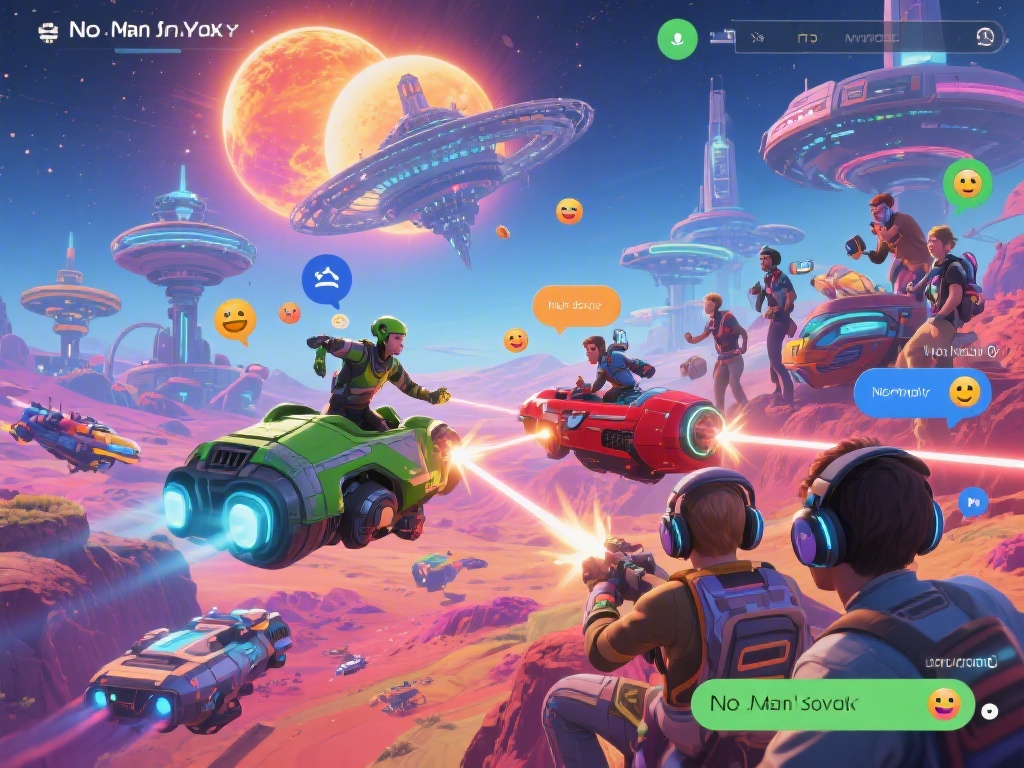
There’s nothing quite like stumbling on a neon-pink planet full of flying cat creatures, or building a sprawling underwater base, and realizing you have no one to share it with. If you’ve spent hours exploring solo and are ready to team up for adventures, you’ll need to know how to find friends in No Man’s Sky. The game’s multiplayer systems aren’t always the most intuitive for new players, especially if you’re playing across different platforms, but once you get the hang of it, co-op play makes every part of the NMS experience better. I’ve spent years playing across PS5 and PC, and I’ve tested every method of connecting with other players to find the ones that actually work consistently.
How to Find Friends in No Man’s Sky Using In-Game Tools
The fastest way to connect with people you already know is using the game’s built-in friend system, as long as you have a few basic settings adjusted first. Enable cross-platform play in your network settings before you do anything else, even if you and your friend are on the same platform. This setting is often turned off by default for new players, and it’s the number one reason people can’t see each other’s friend requests. This is the most straightforward way to handle how to find friends in No Man’s Sky if you already have their contact info outside the game. Once that’s on, open your quick menu, navigate to the Network tab, and you’ll see a list of players in your current session, plus an option to search for friend IDs. If you’re already on the same planet as a friend, you’ll see a white player marker pop up on your HUD once they’re within 1000 units, so you can meet up in person easily. You can also send a direct session invite to any friend on your list, which will warp you straight to their current location, no matter what system they’re in.
Cross-Platform Friend Connection Methods for NMS
One of the best parts of No Man’s Sky’s multiplayer is that it works seamlessly across PC, PlayStation, Xbox, and Switch, so you don’t have to worry about matching consoles to play with people you know. Link your Hello Games account to all your gaming platforms to make cross-platform friend connections work without extra steps. Your Hello Games ID is universal, so you can give that to friends instead of sharing separate PlayStation, Xbox, or Steam IDs, and it will work no matter what platform they’re on. So if you’re playing on Switch and your best friend plays on a gaming PC, you just search for their Hello Games ID, send a request, and you can join each other’s sessions in seconds. If your friend doesn’t show up in search results, double check that they’ve also linked their Hello Games account, and that both of you are running the latest version of the game. Outdated game versions break crossplay completely, so it’s worth checking for updates before you try to connect.
Finding Random Players to Be Friends With Long-Term
If none of your real-life friends play NMS, that’s not a problem at all. The game has a huge, friendly community of players who are always looking for new people to explore and build with, and there are plenty of easy places to meet them. Prioritize connecting with players who share your playstyle to make sure you’ll actually enjoy playing together long term. If you love spending 10 hours building elaborate, decorated bases, you won’t have much fun with a friend who only wants to pirate freighters and blow up sentinel camps, after all. Some of the best places to meet potential long-term friends include:
I’ve met most of my regular NMS friends through Expedition events, because you’re all working toward the same goals and end up chatting while you complete objectives. If you meet someone you click with during a random session, send them a friend request right away. It’s really easy to lose track of players if you leave the session first, and you won’t be able to search for them later if you didn’t save their ID.
Fixing Common Issues When Trying to Add Friends in NMS
Even if you follow all the steps correctly, you might run into connection issues every now and then, most of which have really simple fixes. Restart your game and router first if you run into any connection problems, because 90% of friend request and session join errors are just temporary network glitches, not permanent bugs. If restarting doesn’t work, check your NAT type if you’re playing on console. Strict NAT settings will block you from connecting to most other players, so you’ll need to adjust your router settings to switch to an open NAT type to fix the problem. If you play on a modded PC server, match mod lists exactly if you want to join friends on custom servers. Even one small mismatched mod will prevent you from connecting to their session, and it can cause crashes for both of you if you somehow manage to get in. If you still can’t connect, try switching from a Wi-Fi connection to a wired ethernet connection, as unstable Wi-Fi is another common cause of multiplayer connection issues.
Once you know how to find friends in No Man’s Sky, the game opens up a whole new layer of fun that you can’t get playing solo. You can team up to take down massive sentinel fleets, build shared bases across three or four different planets, trade rare resources that the other person can’t find, or just wander around and laugh at the weird, procedurally generated creatures you find. You don’t have to play with friends every time you log on, but it’s nice to have the option when you find something cool you want to show off. I’ve made more than half a dozen long-term gaming friends through random NMS meetups over the years, so don’t be afraid to send that friend request next time you meet someone fun in the Anomaly.