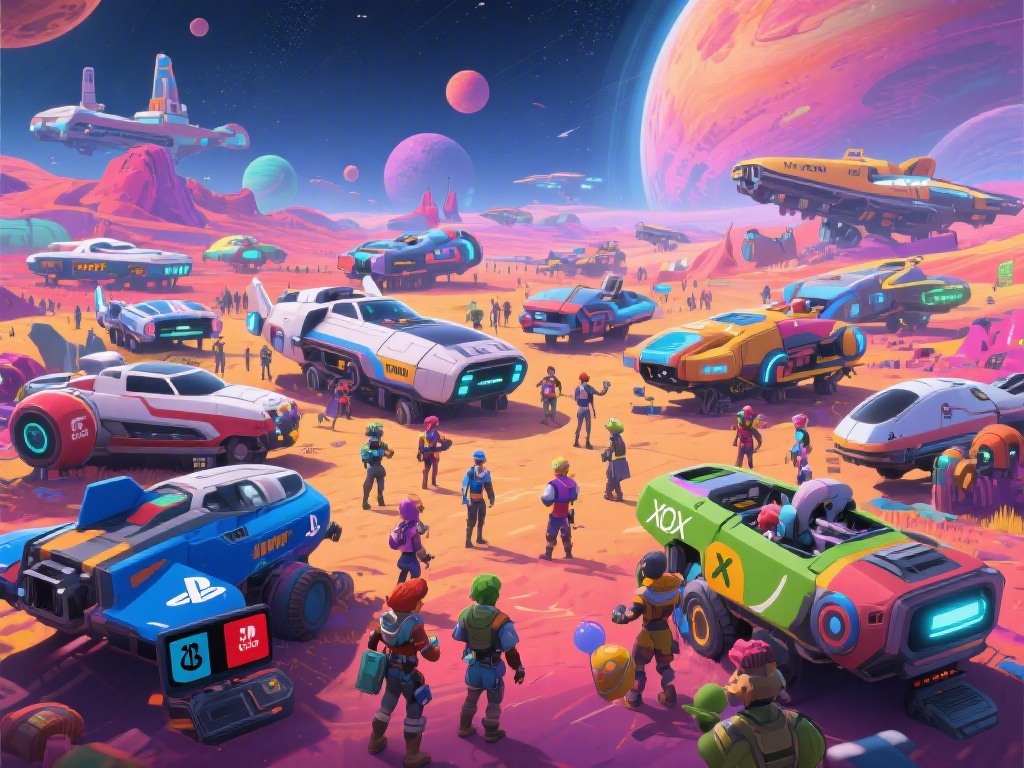
There’s nothing more frustrating than being hyped to explore a weird, uncharted planet in No Man’s Sky, only to realize you can’t join your friend’s lobby because they play on a different platform. I’ve been there: I spent three weekends trying to link my PC save with my little brother’s Xbox account, working through every error and setting quirk until I got it right. If you’re tired of missing out on shared base builds, space pirate battles, and interstellar road trips, this guide breaks down exactly how to crossplay No Man's Sky, no technical degree required.
Pre-requisites to Enable Crossplay for No Man's Sky
Before you jump into trying to join a cross-platform lobby, there are a few non-negotiable boxes you need to tick first. Skip these, and you’ll almost certainly run into connection errors that leave you stuck on the main menu. Crossplay is enabled by default on all official copies of the game, but you still need to make sure all players meet the following requirements:
- Latest game patch installed across all participating devices
- Linked Hello Games account for every player (no extra payment required)
- Active platform online subscription for console players (PC players don't need this)
- All players are on the same game mode (Survival, Creative, Permadeath, etc.)
One easy mistake to miss if you play modded NMS on PC: modded PC lobbies are not accessible to console players. If you’re planning to crossplay with friends on PlayStation, Xbox, or Switch, disable all mods before you host a lobby, or you won’t show up on their friend list at all. I learned this the hard way when I spent 40 minutes troubleshooting my connection, only to realize my texture overhaul mod was blocking console access.
How to Crossplay No Man's Sky With Friends Step-by-Step
Once you’ve checked all the pre-requisites, setting up a crossplay session only takes a few minutes. The process is almost identical across all platforms, so you don’t have to follow different steps depending on what device you own.
First, launch the game and head to the main menu, then select the Multiplayer tab. You’ll see two sections: your platform native friend list, and your Hello Games friend list. Using your Hello Games ID is the most reliable way to add cross-platform friends, because platform friend lists don’t sync across different devices. Swap Hello Games usernames with your friends before you start playing to avoid wasting time searching for the wrong account.
If you’re hosting a lobby, you can set it to Invite Only, Friends Only, or Public depending on who you want to join. If you’re joining a friend’s lobby, just search for their Hello Games ID in the multiplayer search bar, select their lobby, and click join. So long as everyone meets the pre-requisites, you’ll load into their instance in under a minute. I usually send a quick invite through the Hello Games chat first to make sure they’re online and ready, so I don’t try to join an empty lobby by accident.
Common Crossplay Issues and Quick Fixes
Even if you follow every step perfectly, you might run into the occasional error. Most issues that stop you from being able to crossplay No Man's Sky come from small, easy to fix mistakes, so you don’t have to panic if you get a connection failed message.
The most common error is lobbies not showing up in search results. First, double check that everyone is on the same game version and the same game mode. I ran into this error last month when my friend forgot to install the latest Interceptor update, so that’s always the first thing I check now. If that’s not the issue, restart your router, because weak or unstable internet often blocks cross-platform peer to peer connections. If you're on a school or work network, port forwarding might be required to connect to cross-platform lobbies, you can find the exact port numbers for NMS on the official Hello Games support page.
Another common issue is voice chat not working across platforms. Platform native voice chat (like PS Party or Xbox Party) won’t work for crossplay sessions, so you’ll need to use either the in-game voice chat or a third-party app like Discord. In-game voice chat is enabled by default for crossplay lobbies, but if it’s not working, head to your audio settings to make sure your mic is set as the default input device.
One important note: there’s no cross-save support for No Man’s Sky right now. That means your PC save won’t carry over to your Switch, and vice versa, even if you use the same Hello Games account. Don’t expect to pick up where you left off on a different device, that feature hasn’t been added yet.
Best Practices for Smooth Crossplay Sessions
Once you’ve got crossplay working, there are a few small tweaks you can make to avoid lag, disconnections, and other annoyances that ruin a good exploration run. These are all tips I’ve picked up after 100+ hours of crossplay with friends across four different platforms.
First, always have the player with the fastest and most stable internet connection host the lobby. No Man’s Sky uses peer to peer connections for multiplayer, so the host’s internet speed determines how smooth the session is for everyone. If the host has a slow connection, you’ll run into lag when building bases or fighting large groups of pirates.
Turn off background downloads on all devices before starting a crossplay session. Even a small game update downloading in the background can eat up enough bandwidth to cause random disconnections or lag spikes. I always pause my Steam updates before I join a friend’s lobby, and it’s cut my disconnection rate by almost 90%.
If you’re playing with a large group, agree on a game mode and general plan before you start. There’s nothing more frustrating than showing up ready to do a Permadeath run, only to realize your friend is hosting a Creative mode lobby where nothing you do counts. For larger public sessions, make sure the host has the lobby set to public, and turn on friendly fire if you want to have PvP space battles with random players.
Crossplay has completely changed how I play No Man’s Sky, because I no longer have to worry about what platform my friends own to explore the galaxy together. The setup process is far simpler than most people think, and most common errors have quick, easy fixes. Once you get the hang of how to crossplay No Man's Sky, you can jump into shared base builds, community events, and interstellar adventures with anyone, no matter what device they use. If you run into an issue I didn’t cover here, drop a note in the comments and I’ll help you work through it.