Last month I tried to organize a No Man's Sky game night with 9 of my long-time gaming friends, and I hit a really frustrating roadblock right out the gate. Half of us couldn't join the same session, and I had no idea why. That's when I first asked how many people can play No Man's Sky together, and I spent hours digging through official patch notes, community forums, and running my own tests to figure out all the rules, limits, and workarounds for group play. Whether you're planning a small co-op run with a couple friends or a large community galaxy tour, this guide breaks down everything you need to know to run smooth, fun multiplayer sessions.
How Many People Can Play No Man's Sky in a Single Co-op Session?
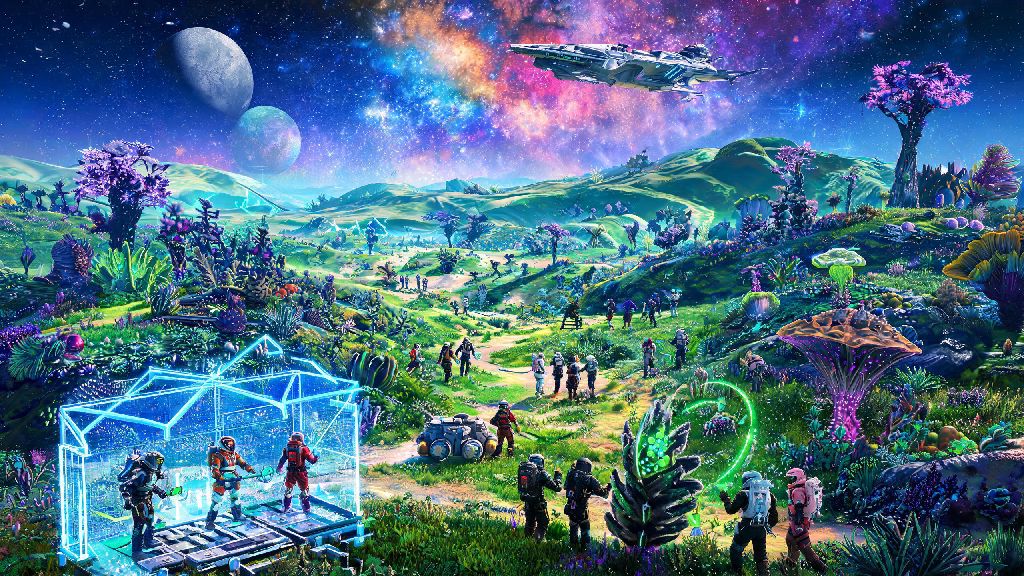
The official limit for a single No Man's Sky shared instance is 32 players across all platforms, regardless of which game mode you're playing. That means 32 people can exist in the same star system at the same time, see each other, interact, build together, and take on missions as a collective. There's also a separate party limit of 8 players, which refers to the group of people you can directly invite, track on your map, and share mission progress with. The remaining 24 spots in the instance are open to random public players or other invited groups if you have your session set to public.
It's easy to mix up these two limits, so I always clarify this for new players: if you just want to play with a tight group of friends, you can set your session to invite-only, and you won't have random players joining your instance. Settlement and freighter visits allow even more temporary visitors too, as long as you've set your base permissions to allow public access. I've had up to 40 people stop by my capital settlement in a single hour during a community event, even though only 32 could be in the instance at the same time, as people hopped in and out.
The size of your group will drastically change what activities you can enjoy smoothly, so I've put together a quick breakdown of ideal group sizes for different play styles:
If you want to have more than 32 people join your event, you can run multiple parallel instances in the same star system. Players in different instances won't be able to see each other, but you can rotate groups between instances so everyone gets a chance to join the main activities.
Crossplay Support for No Man's Sky Multiplayer Groups
One of the best parts of No Man's Sky multiplayer is that full crossplay is supported across every platform the game is available on: PC, PlayStation 4, PlayStation 5, Xbox One, Xbox Series X/S, and Nintendo Switch. Crossplay is enabled by default, so you don't have to mess with any settings to join friends on different devices. All you need to do is add their Hello Games account ID to your friend list, and you can send them invites directly.
There's no difference in group size limits across platforms either. Even Nintendo Switch players can join sessions with up to 32 total players, though you might notice more frame drops on Switch if you're in a crowded area with lots of player builds and effects. If you're playing with Switch friends, I recommend asking them to turn down their shadow and particle effect settings to reduce lag during large group events.
One important note to keep in mind: you don't need a paid online subscription to play multiplayer on PC, but console players do need their platform's respective online service to join co-op sessions. That means PlayStation players need PS Plus, Xbox players need Xbox Live Gold, and Switch players need Nintendo Switch Online. If any of your friends don't have these subscriptions, they won't be able to join your group, so make sure to check that before you plan your event.
Common Large Group Issues and Simple Fixes
Even if you stay under the 32 player limit, you might run into a few common issues when playing with large groups, most of which have really easy fixes. The most frequent problem I run into is lag or frame drops when 15+ people are gathered in the same small area, like a small base or a settlement. The fix for this is simple: ask everyone to turn off base building animations and lower their particle effect settings, and limit the number of people in the small area to 10 or less at a time. You can rotate people through the area so everyone gets a chance to see the build or participate in the activity.
Another common issue is players getting randomly kicked from the session, especially when you're close to the 32 player limit. This almost always traces back to the host's internet connection. Avoid using Wi-Fi for the host if you're running a group of 10+ players, because Wi-Fi connections are far less stable than wired ethernet connections. If the host has a wired connection and a decent internet speed (at least 50 Mbps upload), you'll almost never see random kicks again.
You might also run into a bug where players are in the same star system but can't see each other, even if they're in the same session. This usually happens when someone joins the session late and their game doesn't sync properly with the host. The fix for this is to have the affected player restart their game, or have the host send them a new direct invite instead of having them join through the public instance. Modded PC players might also run into this issue if they have different mods installed, so make sure everyone in your group has the same mod list if you're playing on a modded server.
Speaking of modded servers, it's worth noting that unofficial PC modded servers can raise the player limit to 100 or more, but these servers are not supported by Hello Games. You might run into frequent crashes, missing assets, or broken mission progress if you play on these servers, and you won't be able to transfer your progress back to official servers if you do. I only recommend modded servers for experienced players who are comfortable troubleshooting technical issues.
Tips for Running Smooth Large No Man's Sky Multiplayer Events
I've run more than a dozen large No Man's Sky community events over the past two years, and I've picked up a lot of tips that make the process way easier. First, always pick a host with a fast internet connection and a relatively high-end device if possible. The host's device is responsible for syncing all player actions and assets, so a better host means less lag and fewer disconnections for everyone in the group.
Second, set clear rules for your event before you start. If you're running a base tour, ask people not to build or destroy anything on the base without permission. If you're running a pirate raid event, assign roles ahead of time so everyone knows what they're supposed to do. I also recommend setting a time limit for each activity so you don't get behind schedule, especially if you have a lot of people joining.
Schedule your event during off-peak hours if you're planning to use public instances. Peak hours for most regions are between 7 PM and 10 PM local time, so if you schedule your event for 2 PM on a weekend, you'll be far less likely to run into overcrowded servers or random public players joining your instance and ruining the event. You can also set your session to invite-only to avoid random players entirely.
Finally, use a third-party voice chat app like Discord to communicate with your group instead of the in-game voice chat. The in-game voice chat works great for small groups of 4 or less, but it gets really choppy and hard to understand when you have 10+ people talking at once. Discord also lets you split into smaller voice channels if you're running different activities at the same time, which is really useful for large events.
At the end of the day, the answer to how many people can play No Man's Sky together depends on what you want to do, but the official 32 player limit is more than enough for most friend groups and small community events. Even if you want to run a larger event, splitting into parallel instances is a simple workaround that works really well with a bit of planning. I've run 28-player base tours with barely any lag using the tips we covered here, so don't be afraid to invite all your friends to explore the galaxy together. If you have your own tips for running large No Man's Sky groups, feel free to share them in the comments below.