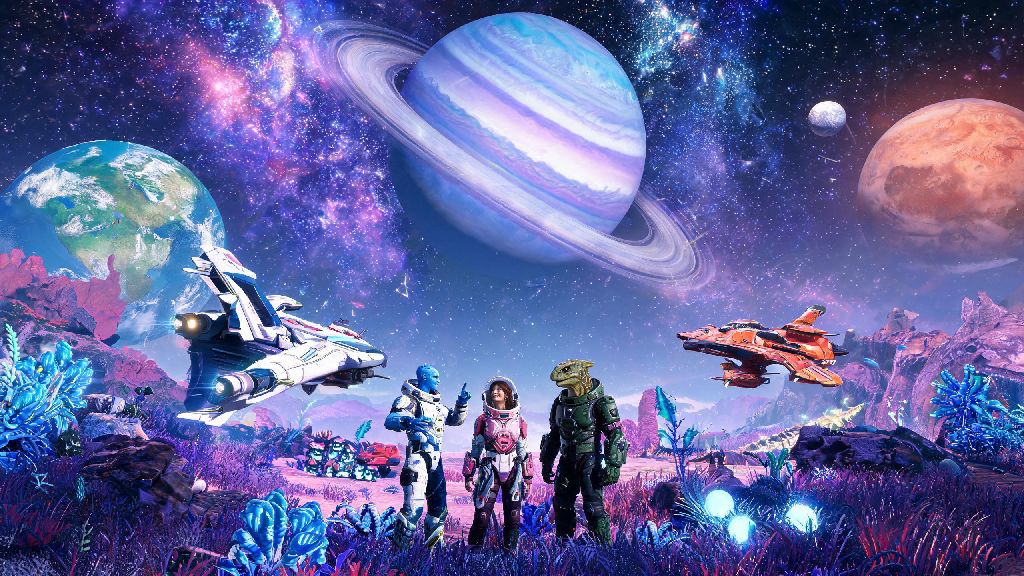
You’re cruising through the No Man’s Sky galaxy at light speed, spot a lush, green paradise planet dotted with glowing flora and alien creatures, and point your starship straight for its atmosphere. Halfway through descent, you realize you’re moving way too fast, the ground is coming up fast, and you have no clue how to slow down before you turn your brand new S-tier ship into scrap. If that sounds like your first few hours of gameplay, you’re far from the only new player asking how do you land in No Man's Sky without wasting resources repairing a broken hull. I’ve logged over 320 hours in the game across three different saves, crashed more times than I can count when I first started, and I’ve compiled every tip and trick you need to pull off smooth landings every single time, even on the most hostile planets.
How Do You Land in No Man’s Sky? Core Controls for Every Platform
The landing process works almost the same across every platform, but the exact button inputs change depending on if you’re playing on controller, keyboard and mouse, or a handheld device. First, you’ll need to make sure you’re within a planet’s atmosphere and moving slowly enough to trigger the landing assist feature. You’ll see a small icon pop up in the bottom right of your screen when you’re eligible to land, usually when you’re below 1000 units of altitude and moving slower than 40u/s.
For keyboard and mouse players, hold the S key to slow your forward momentum, then press E to activate landing mode once you see the green landing zone indicator appear on flat ground. For controller players on PlayStation or Xbox, pull back on the left analog stick to slow down, then press X or A respectively to trigger landing mode. If the landing zone turns red, that means the terrain is too steep, you’re over water, or you’re too close to a restricted structure, so you’ll need to move a short distance away to find a new spot.
Always make sure you're moving slower than 20u/s before you attempt to activate manual landing if you’re playing with landing assist turned off. Moving any faster will trigger a crash landing, which can deal up to 75% damage to your starship’s hull and break critical components like your launch thrusters or pulse engine. I learned this the hard way on my first ever trip to a frozen moon, when I tried to land while speeding towards a herd of alien deer and ended up having to spend 45 minutes farming ferrite dust to fix my broken thrusters.
Common Landing Mistakes to Avoid at All Costs
Even if you have the controls down pat, there are a handful of easy mistakes that even intermediate players make when landing, which can waste resources, trigger sentinel attacks, or leave you stranded far from your base. Most of these mistakes come from rushing the landing process to get to a rare resource deposit or a curious alien structure, so take an extra 10 seconds to scan your surroundings before you touch down to avoid headaches later.
These are the most common landing mistakes I see new players make all the time:
- Attempting to land while moving faster than 30u/s, which will trigger a crash landing that damages starship hull and components, and can even kill you if your ship has low health already
- Ignoring the red "no landing zone" warning, which usually means you're over water, steep terrain, or a restricted building area – forcing a landing in these spots will almost always result in a crash
- Forgetting to retract your landing gear after takeoff, which slows your ship down by 30% and increases pulse engine fuel consumption by 20% during interplanetary travel
- Landing directly on top of flora or fauna, which can destroy valuable resources like condensed carbon or rare creature eggs you could have harvested for crafting or trading
Landing too close to a sentinel walker will trigger an immediate aggressive response, even if you haven’t done anything to provoke them first. Sentinel walkers patrol high-value resource deposits and ancient alien ruins, so if you see one near your intended landing spot, move at least 200 units away before you touch down to avoid a fight you might not win. Never land on toxic or radioactive planets without first confirming your hazard protection has at least 50% charge left, either. I once landed on a radioactive planet with only 10% charge left on my hazard protection, and I almost died before I could even climb out of my ship to harvest more uranium to recharge it.
Advanced Landing Tips for Challenging Planet Types
Once you’ve mastered basic landings on calm, lush planets, you’ll eventually want to explore more hostile worlds that offer rare resources like activated indium, storm crystals, or rare alien artifacts. These planets come with extreme weather, hostile fauna, and rough terrain that makes landing a lot trickier, but a few simple tips will make the process a lot easier.
If you’re landing on a planet with regular extreme storms, try to time your descent for between storm cycles. You can check the weather forecast by scanning the planet from orbit before you enter the atmosphere, and you’ll see a timer that tells you how long until the next storm hits. If you get caught in a storm mid-descent, don’t panic. If you get caught in a lightning storm mid-descent, prioritize landing in a natural cave entrance or near a settlement shield dome to avoid taking hull damage. Lightning strikes can deal up to 50% damage to your starship’s hull in one hit, so getting under cover as fast as possible is your top priority.
For volcanic or glacial planets with almost no flat ground, use your ship’s scanner to locate nearby settlements, trading posts, or ancient ruins. All of these locations have pre-built landing pads that are always flat and safe to use, and you won’t have to waste time searching for a clear spot to touch down. You can also use your analysis visor from orbit to mark flat areas of terrain before you start your descent, which will make it a lot easier to find a landing spot fast. I use this trick all the time when I’m farming activated indium on volcanic planets, since most of the terrain is covered in lava rivers and sharp rock formations that make landing almost impossible otherwise.
How to Unlock Permanent Landing Perks and Shortcuts
As you progress through the game, you’ll unlock upgrades and blueprints that make landing a lot faster and easier, so you never have to waste time searching for flat ground or worrying about crashing again. Most of these upgrades are available from the ship technology merchant at any space station, or as rewards for completing expedition missions.
The first upgrade you should pick up is the auto-land assist module, which is available in C, B, A, and S tiers from space station merchants. The S-tier auto-land upgrade will automatically scan for safe landing zones as soon as you enter a planet's atmosphere, cutting down your descent time by 70%. It will also automatically slow your ship down to a safe speed for landing, so you don’t have to worry about holding the brake button the entire time you’re descending. It’s one of the best quality of life upgrades you can get for your starship, and it only costs around 500,000 units from most merchants.
You can also unlock the landing pad blueprint once you reach base building level 3, which lets you build permanent landing pads at any of your bases. These landing pads let you call any of your owned starships to your base for free, no matter where they are in the galaxy, and they always give you a safe, flat spot to land when you come home. You can also build landing pads on your freighter, so you can land your starship directly on your freighter from orbit without having to use the teleport system. I have landing pads at all 8 of my bases across the galaxy, and it’s cut down the time I spend looking for landing spots by a huge amount.
At the end of the day, figuring out how do you land in No Man's Sky is one of the first core skills you'll master, and it opens up every single planet in the galaxy for you to explore. Don't get discouraged if you crash a few times early on – every veteran player has a pile of broken starship hulls in their past, and those mistakes are part of the fun of learning the game. Once you get the hang of it, you'll be pulling off smooth landings on ice moons, volcanic wastelands, and lush paradise worlds without even thinking about it. Grab your ship, pick a random planet, and go see what secrets it has waiting for you.