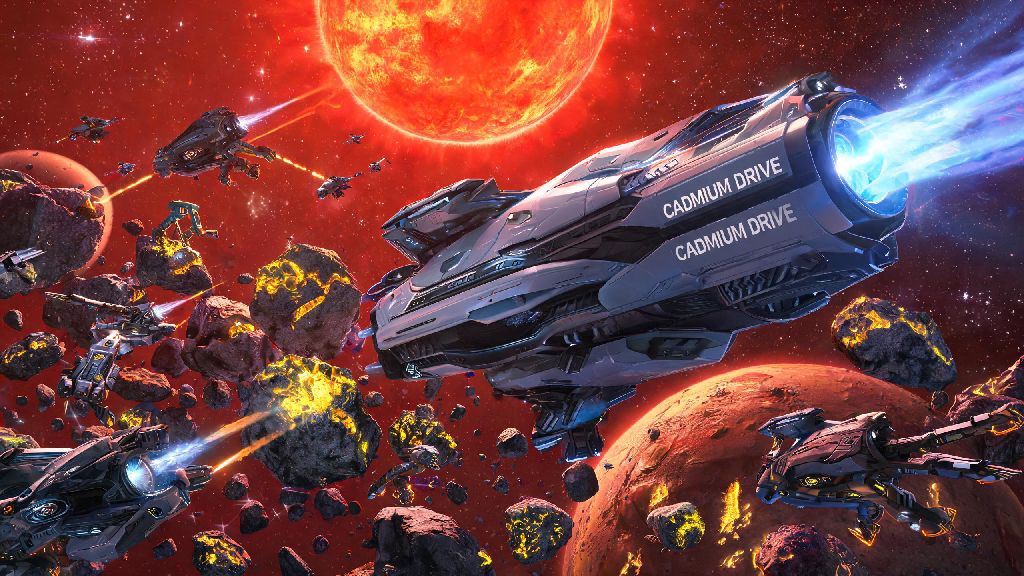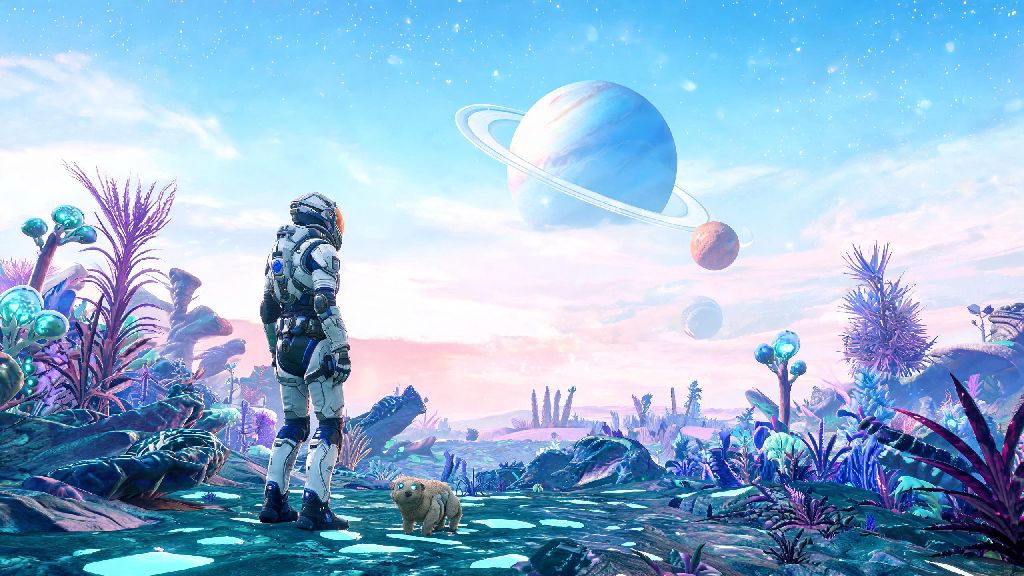
If you just picked up No Man's Sky for the first time in 2026, whether on PC, PS5, Switch or Xbox, one of the first questions you’ll probably ask is does no man's sky require internet to enjoy all the game has to offer. I’ve put over 1,200 hours into No Man’s Sky across multiple platforms, and in 2026 alone I’ve logged 180+ hours split between offline cross-country train rides and late-night multiplayer sessions with friends across three continents. This guide breaks down exactly when you need a connection, when you don’t, and how to avoid common frustrations no matter how you prefer to play.
Does No Man's Sky Require Internet to Play the Base Game in 2026?
The short answer for most players is no, you don’t need an internet connection to play the core No Man's Sky experience in 2026. Hello Games has spent years refining the offline mode, and the 2026 quality of life patch fixed almost all the old bugs that used to break offline play, like galaxy map loading errors and missing crafting recipes when you weren’t connected. You can explore 18 quintillion planets, build massive bases, complete the entire main story, and collect hundreds of ships and companions all without ever connecting to a server.
All main story quests are fully accessible offline, including the new 2026 "Ancestral Echoes" quest line that adds 12 hours of lore content focused on the first travelers to the galaxy. Base building, crafting, and exploration work without any connection, and you won’t lose any progress if you play offline for weeks or even months at a time. The only caveats apply to specific platform subscription models: if you play via Xbox Game Pass or PlayStation Plus Extra, you’ll need to connect once every 30 days to verify your active subscription, but that’s a platform requirement, not a game one.
For physical copy owners, you only need an internet connection if you want to download the latest 2026 patches to access new content. If you don’t mind playing the base version that comes on the disc, you can install and play entirely offline with no extra steps. Digital copy owners will need a connection to download the game initially, but after that you can play offline whenever you want.
When You Do Need an Internet Connection for No Man's Sky in 2026
While the core game works perfectly offline, there are a handful of features that do require a stable internet connection to access. Most of these are social or community-focused, so if you only play single-player you’ll never have to worry about them. The full list of features that need a connection includes:
I learned this the hard way earlier this year when I tried to join a friend’s base build session from a rural cabin with no cell service. I couldn’t connect to their session at all, so I ended up exploring the nearby planet on my own offline and shared screenshots with them later. It wasn’t the plan, but I still had a great time finding a rare glowing grass planet that I uploaded to the Galactic Atlas once I got back to service.
2026 Offline Play Limits and Common Issues to Avoid
While offline play is far more reliable in 2026 than it used to be, there are still a few limits and common issues you should know about before you spend 10 hours building a base offline. Most of these are easy to avoid if you plan ahead, but they can be frustrating if you don’t know they exist.
Offline progress won't be lost if you don't connect, but it won't sync across your devices until you go online. That means if you play on your Switch offline during a trip, then play on your PC at home before you connect your Switch to the internet, you’ll end up with conflicting save files. I made this mistake earlier this year, and I lost 8 hours of base building progress I’d made on a train ride because I played on my PC before syncing my Switch save. Now I always sync my save on all my devices before I leave home for an offline trip.
Expedition rewards, like the 2026 exclusive cybernetic ship skin, can only be claimed if you connect during the event window, even if you complete most of the objectives offline. Expeditions are timed community events that run for 4-6 weeks at a time, and you have to start the expedition while connected to the server to be eligible for rewards. You can complete all the objectives offline, but you have to connect before the event ends to claim your rewards, otherwise you’ll lose access to them forever.
Another small issue: the in-game discovery naming system only works offline for your own playthrough. If you name a planet or creature while offline, other players won’t see that name unless you connect to the server to upload your discovery. You’ll still see the name you gave it in your own game no matter what, though.
Top Tips for Playing No Man's Sky Without Internet in 2026
After dozens of offline play sessions in 2026, I’ve picked up a few tips that make playing without internet far easier and avoid the common issues I mentioned earlier. These work for all platforms, and they take less than 5 minutes to set up before you leave home.
Always install the latest patch before you plan to play offline for an extended period, as 2026 updates fixed critical offline save corruption bugs. The last thing you want is to lose 20 hours of progress because you’re running an old version of the game with a known save bug. I usually check for updates the night before a trip, just to make sure I’m on the latest version.
If you’re playing via a subscription service like Game Pass, always open the game while connected to the internet the day before you plan to play offline. That will refresh your subscription verification, so you won’t get locked out of the game halfway through a trip because your verification expired. I’ve heard from dozens of players who ran into this issue on long flights, and it’s incredibly easy to avoid with one quick check.
If you want to play an expedition offline, start the expedition while connected to the internet first. That will register your progress with the server, and you can complete all the objectives offline before connecting again to claim your rewards. I did this for the 2026 winter expedition during a 14-hour international flight, and I was able to claim my exclusive ship skin as soon as I landed and connected to the airport wifi.
Local save backups are enabled by default in all 2026 versions of No Man's Sky, so you never have to worry about losing hours of offline exploration progress. If you run into a save error while offline, just go to the settings menu and select "restore local backup" to get back to your most recent save. I’ve only had to use this once, but it saved me 12 hours of progress when my Switch died mid-exploration.
At the end of the day, does no man's sky require internet? For the vast majority of single-player players, the answer is no, and 2026’s updates have made offline play smoother and more reliable than ever before. You only need a connection if you want to play multiplayer, access community content, or download new updates, so you can easily enjoy the game on long trips, in areas with bad service, or even if you just prefer to play without being connected. No matter how you choose to play, there’s a whole galaxy waiting for you to explore it.