If you’ve spent even a few hours roaming No Man's Sky's procedurally generated galaxies, you’ve definitely spotted those giant, hulking freighters drifting above planetary surfaces or lingering in deep space. Many new players stare up at them and immediately ask: can you fly freighters in No Man's Sky, or are they just static, storage-only bases you can dock at? I’ve spent over 300 hours in the game, across multiple saves and official updates, so I’m breaking down everything you need to know about piloting these massive vessels, from basic controls to advanced use cases that will make your exploration runs far smoother.
Can You Fly Freighters in No Man's Sky, and What Limitations Are There?
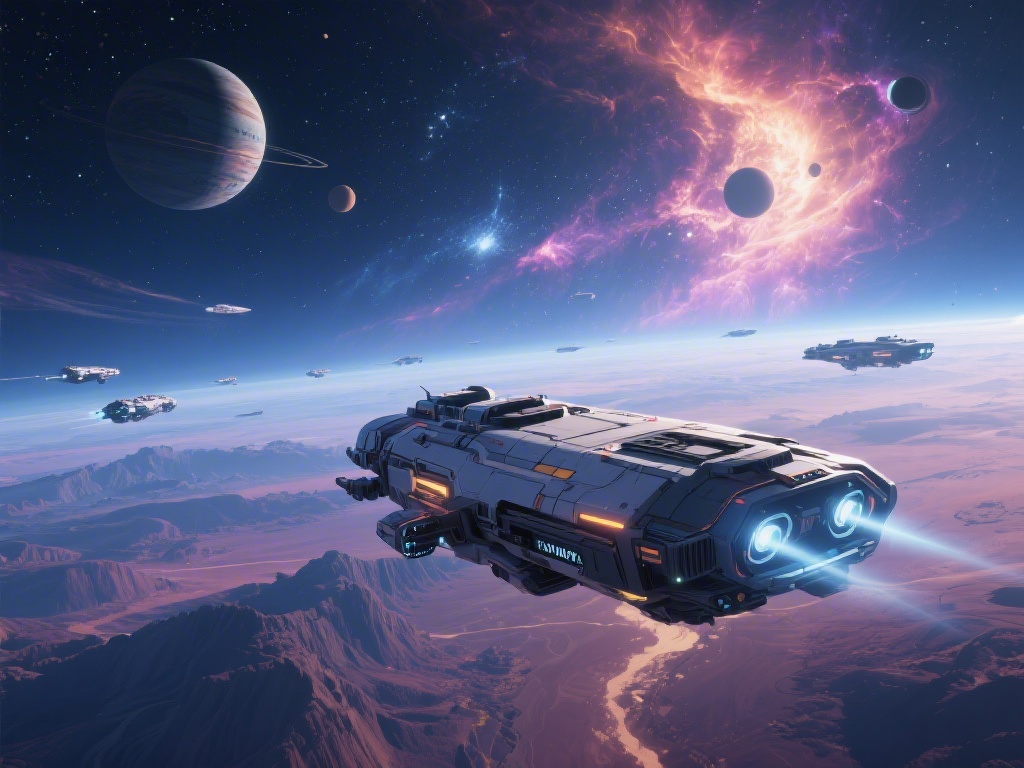
The short answer is yes, you absolutely can pilot freighters, but their handling and capabilities are very different from the smaller starships you use for regular travel. You won’t be zipping between asteroids or pulling sharp turns like you can in an S-class exotic ship, but that’s by design. Freighters are built to serve as mobile orbital bases, not agile exploration craft.
You will never be able to land a freighter directly on a planetary surface, no matter what upgrades you install or what tricks you try. That’s a core game mechanic that has stayed consistent across every major update, and for good reason: freighters are far too large to safely enter atmospheric flight, and their intended use case is to stay in orbit while you use smaller ships to travel to and from the surface. Even niche mods that claim to bypass this rule are almost always unstable, and can corrupt your save file permanently.
You also can’t use freighters to engage in space combat directly, though most high-end freighters come equipped with defensive turrets that will fire on hostile pirates if they attack you or your support frigates. You’re better off using your smaller starship for any fighting, since freighters move too slowly to evade incoming fire effectively.
Step-by-Step to Piloting Your First Freighter
Before you can fly a freighter, you first need to acquire one. The first freighter you get is completely free: after you warp to your 3rd or 4th unique star system, you’ll receive a distress call from a freighter under attack by pirates. Clear out the pirates, board the freighter, and the captain will offer it to you for no cost as a thank you. If you don’t like the look or stats of that first freighter, you can turn it down and wait for another distress call later, but most new players take the free one to get access to its benefits early.
Once you own a freighter, dock your starship in its hangar bay and follow the signs to the bridge. The helm is the central console directly in front of the main viewport, and interacting with it will let you take full control of the vessel. On console, you’ll use the left stick to steer, right stick to adjust pitch and yaw, the bottom face button to increase speed, and the right face button to slow down. On PC, WASD controls movement, left shift boosts speed, and left ctrl slows you to a crawl for precise maneuvering. If you’ve ever wondered can you fly freighters in No Man's Sky for cross-system trips, the answer is yes, and it’s far more efficient than warping your smaller starship back and forth.
Always check your surrounding space before moving your freighter, because it has an enormous collision box. Ramming into space stations, asteroids, or NPC trade ships will cause significant hull damage that requires rare resources to repair, and in the worst case, can even destroy some of the exterior upgrades you’ve installed on your freighter’s hull. Freighters only use fuel when you warp them between star systems, so you don’t have to worry about spending resources to move it between planets in the same system, even if you’re just repositioning it for easier access to a specific surface outpost.
Practical Uses for Flying Your Freighter Across Systems
Piloting a freighter isn’t just a fun novelty for long-time players — it’s one of the most impactful quality-of-life mechanics you can unlock in the entire game. Even casual players who only log a few hours a week will find huge benefits from learning to move their freighter around as needed. Some of the most common use cases include:
- Mobile storage hub for all your collected resources, so you don’t have to dump rare materials like activated indium or storm crystals to make space in your starship mid-exploration run
- Mobile base of operations with built-in refineries, crafting stations, and living quarters, so you can process raw resources into high-value trade goods without returning to a fixed surface base
- Support for fleet missions, where you can send your recruited frigate ships out to collect resources, earn units, or scan new systems while you explore the surface of nearby planets
- Jump range extender for long-distance exploration, as most fully upgraded S-class freighters have a far longer warp range than even the best upgraded small starships, letting you travel to distant galaxy regions faster
I’m a big fan of hunting for rare exotic planets with unique fauna and biomes, and I always move my freighter to orbit above any interesting planet I find. That lets me pop back and forth between the surface and the freighter to drop off samples, store rare resources, or restock on survival supplies like oxygen and launch fuel whenever I need to, no long trips back to my main base required.
You can also summon your freighter to any system you've already visited for free, as long as you're in open space not near a space station or other large structure. If you forget to move your freighter with you when you warp to a new system, you don’t have to travel all the way back to get it — just pull up your quick menu, select the summon freighter option, and it will warp to your current location in a few seconds.
Common Freighter Piloting Mistakes to Avoid
Freighter controls are pretty straightforward once you get used to them, but there are a few common mistakes that almost every new player makes their first time piloting one. The most common one is trying to fly directly into a planet’s atmosphere. I’ve seen dozens of new players hold down the acceleration button aiming straight for a planet’s surface, confused why their freighter won’t move down, until they hit the invisible atmosphere boundary and get stuck mid-flight. If you want to get to the surface, just dock your small starship in the freighter’s hangar and take that down instead.
Another common mistake is warping your freighter to a new system while you have frigates out on active missions in your current system. If you warp away before your frigates return from their missions, you’ll cancel the mission entirely, and lose all the resources, units, and rare upgrades they would have brought back. Always check your frigate mission status on the bridge console before you warp your freighter anywhere else.
Many new players also forget to set their freighter as their primary home base. If you die in space or on a distant planet, you’ll respawn at your last set home base, so if your freighter is your home, you won’t have to travel dozens of light years back to a fixed surface base to recover your lost inventory. Never install unstable freighter piloting mods that claim to let you land on planets, as these almost always cause save corruption, especially after official game updates that change core ship mechanics. It’s just not worth the risk of losing hundreds of hours of progress for a novelty feature.
At the end of the day, the answer to can you fly freighters in No Man's Sky is a resounding yes, and learning how to pilot these giant vessels effectively will completely change how you play the game. You don’t have to be a hardcore completionist to get use out of them either: even casual players can benefit from the extra storage, mobile crafting stations, and longer warp range. If you haven’t claimed your first freighter yet, keep an eye out for those distress calls on your next warp, it’s one of the most rewarding early-game milestones you can hit.